







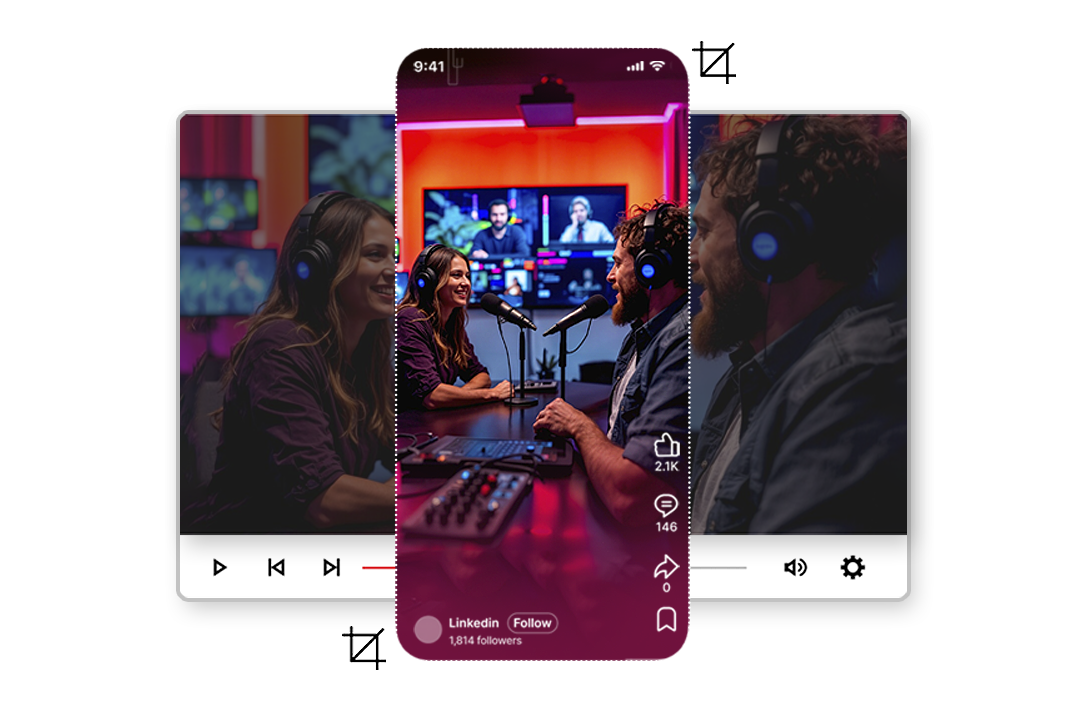
AI Video Tools
Cut Smarter. Clip Faster. Publish Anywhere.
Create high-quality clips in seconds using precise timestamp trimming or transcript-based selection.
2M+
Videos Created
95%
Time Saved
4.9
User Rating
Trusted by the best agencies & video editors across the world


Overview
What Is Video Trimmer?
Video Trimmer is a dual-mode clipping tool within Portrait Pro that allows users to create clips in two powerful ways:
- Timestamp-based trimming using Mark In and Mark Out
- Transcript and chapter-based trimming by selecting spoken content directly
Instead of scrubbing endlessly through timelines, users can jump to exact moments using transcripts, chapters, or timestamps — making clip creation faster and more precise.
The result: It’s not just trimming. It’s intelligent clip production inside a unified platform.
Why Videograph's video trimmer?
Because timing, consistency, and speed define social performance

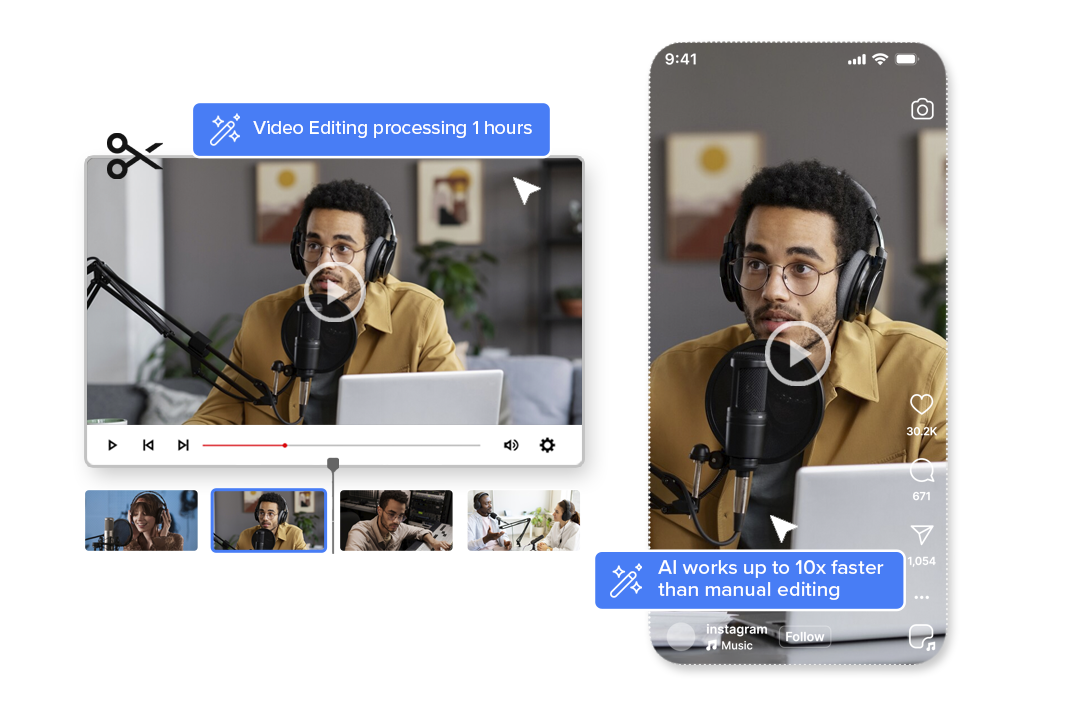
Faster Than Manual Timeline Editing
Mark in/out controls allow frame-accurate cuts, while transcript-based trimming eliminates guesswork. Teams can reduce clipping time by up to 2–3× compared to traditional editing tools

Smarter Clip Creation With Text-Based Selection
Instead of searching visually, users can select exact spoken lines, chapters, or segments. This is especially powerful for interviews, podcasts, news reports, and panel discussions.

Built for High-Volume Content Teams
Whether you're creating match highlights, social cuts, or episode promos, the system supports consistent clip production without increasing editing overhead.

Integrated Workflow, Not Just a Cutter
Once trimmed, clips can instantly move into captioning, templates, vertical transformation, and publishing — all within Portrait Pro. No exporting. No switching tools.
Ready to transform your videos?
Features of Video Trimmer
Everything you need to create perfect vertical videos
Timestamp-Based Precision Trimming
Create clips by selecting exact start and end points using Mark In and Mark Out controls. Ideal for quick highlight extraction and manual control.
- Fast scrubbing and timecode selection
- Perfect for highlight moments and action cuts
Transcript & Chapter-Based Clip Creation
Select spoken lines directly from the transcript or predefined chapters to generate clips instantly.
- Text-driven clip creation
- Faster identification of key quotes or statements
- Ideal for interviews, podcasts, and news content
Integrated Caption & Template Application
Immediately enhance trimmed clips with captions, branding templates, overlays, and visual elements.
- One-click caption generation
- Apply brand templates instantly
- Maintain consistent visual identity
Multi-Format Output & Publishing
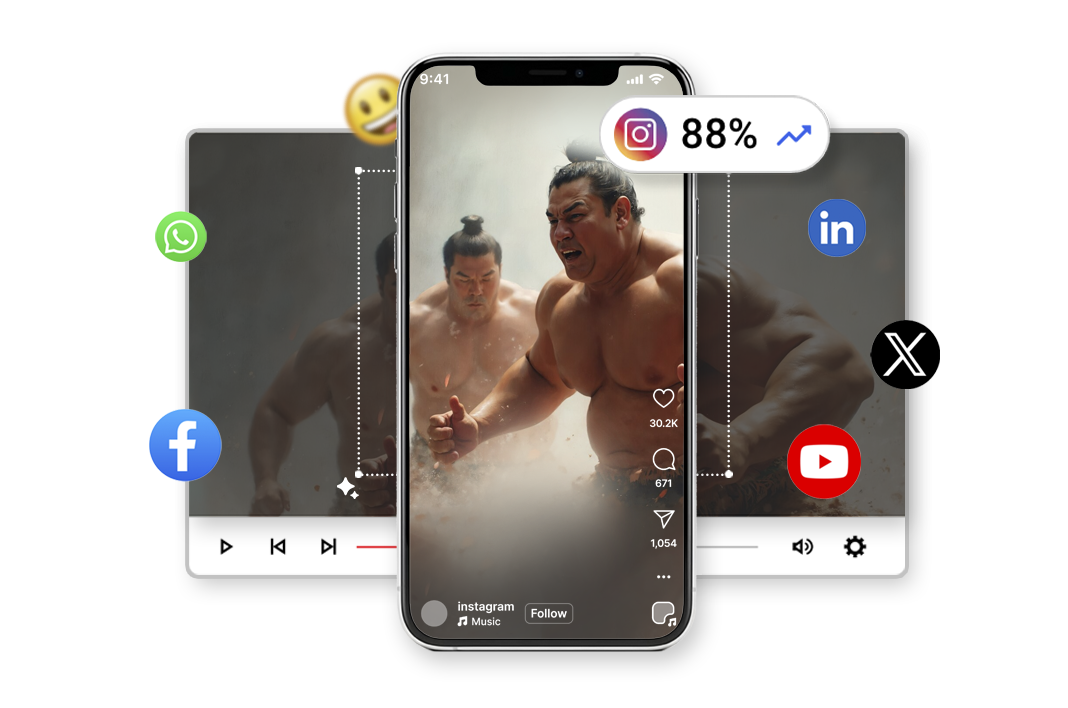
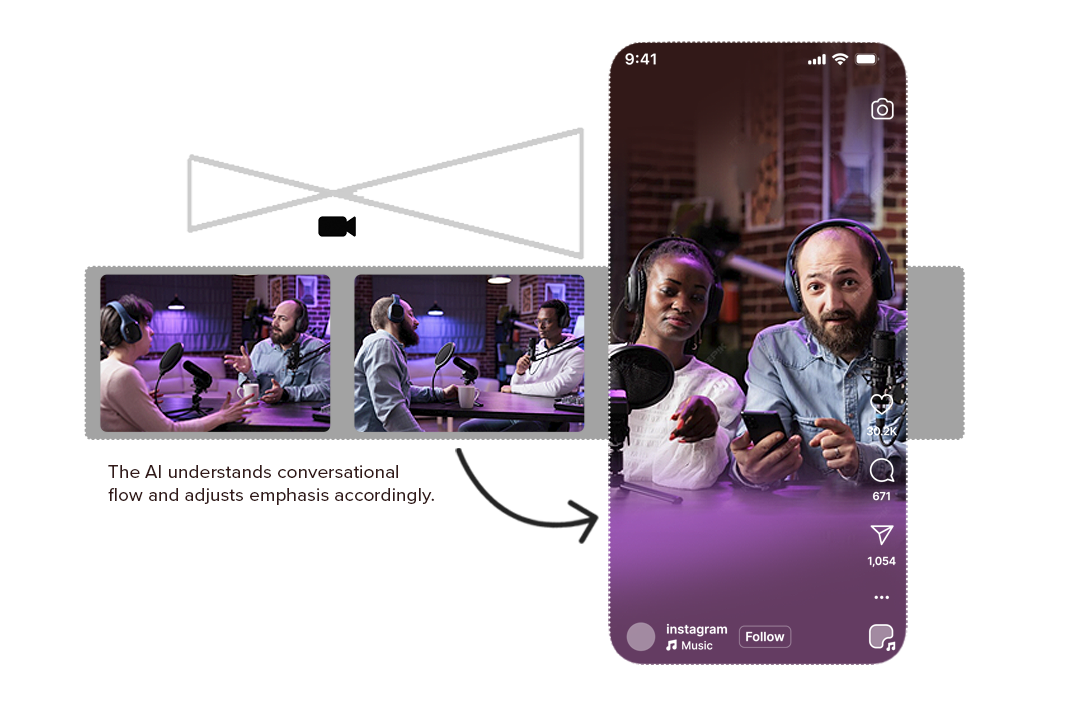
Transform trimmed clips into vertical, square, or landscape formats and publish directly.
- Convert to 9:16, 1:1, 16:9 and custom ratios
- Direct publishing to social platforms
- Optimized export for OTT and broadcast workflows
Broadcast-Quality Output & Encoding
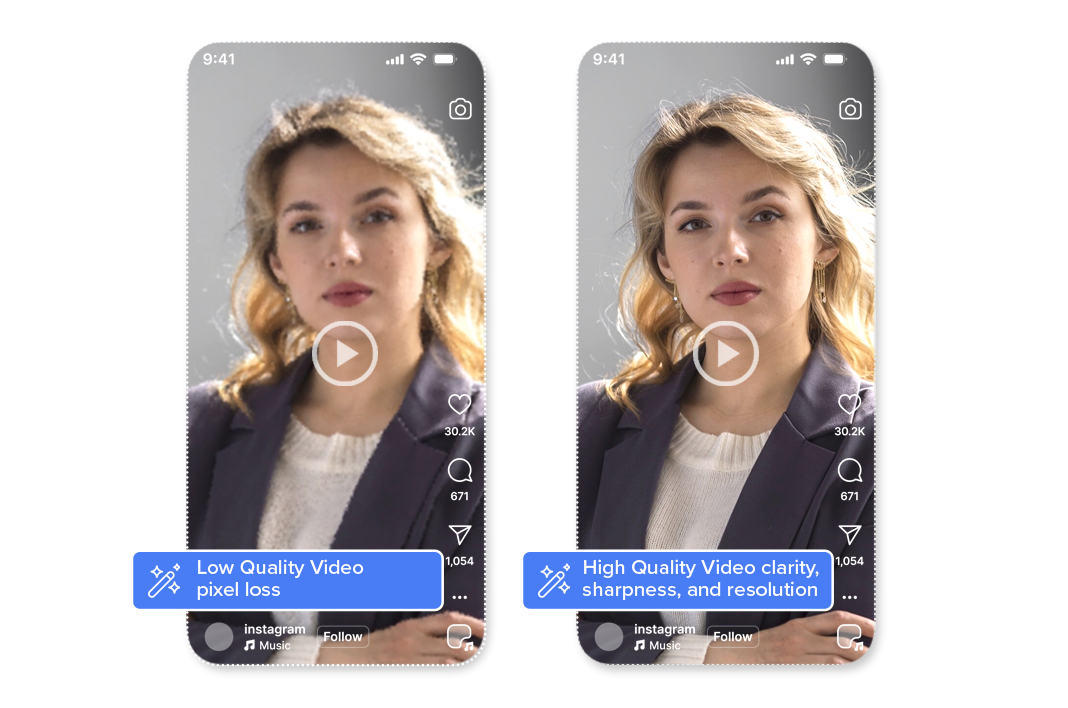
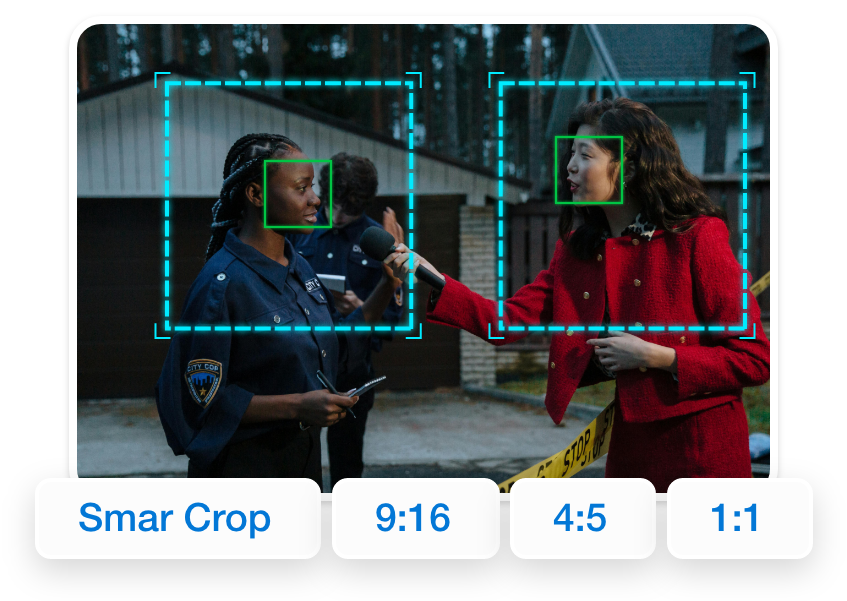
All Smart Crop outputs maintain original video clarity, sharpness, and resolution. Videograph uses professional-grade encoding and compression to ensure that vertical videos meet broadcast, OTT, and social platform quality standards—without pixel loss or distortion.
Perfect for brands and publishers that can’t compromise on quality.

Simple Process
How It Works
From horizontal to vertical in 3 simple steps. No manual editing required.

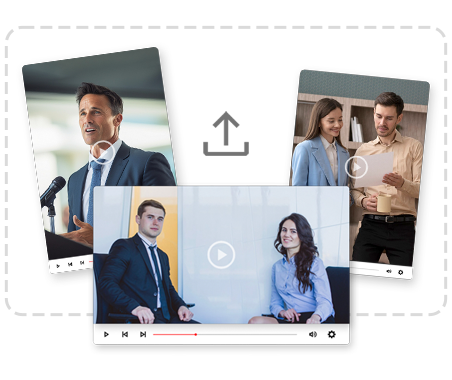
1. Select Video
Choose a VOD clip or liveclip from your workspace.
2. Trim Using Timeline or Transcript
Either set Mark In/Out timestamps manually or select transcript lines or chapters to create a clip instantly.

3. Enhance & Publish
Add captions, templates, adjust aspect ratios, and publish directly — all without leaving the platform.
Perfect For
Trusted by creators across every industry

Creators & Influencers
CQuickly extract podcast snippets, interview moments, or YouTube highlights without complex editing. Turn long-form content into multiple social-ready clips.

Marketing News & Media Teams
Clip breaking statements, reporter segments, or debate moments directly from transcripts for faster turnaround and publishing.

Sports Teams & Leagues
Create match highlights, player moments, and post-game reactions using timestamp precision.

OTT & Broadcast Platforms
Generate teasers, recaps, and promotional clips from episodes efficiently — without sending footage to external editors
Why Videograph vs manual editing
See how AI-powered automation compares to traditional manual editing tools.
| Capability | Videograph | CapCut | Descript | Premiere Pro / Final Cut |
|---|---|---|---|---|
| AI Speaker Detection | ||||
| Automatic Split-Screen Generation | ||||
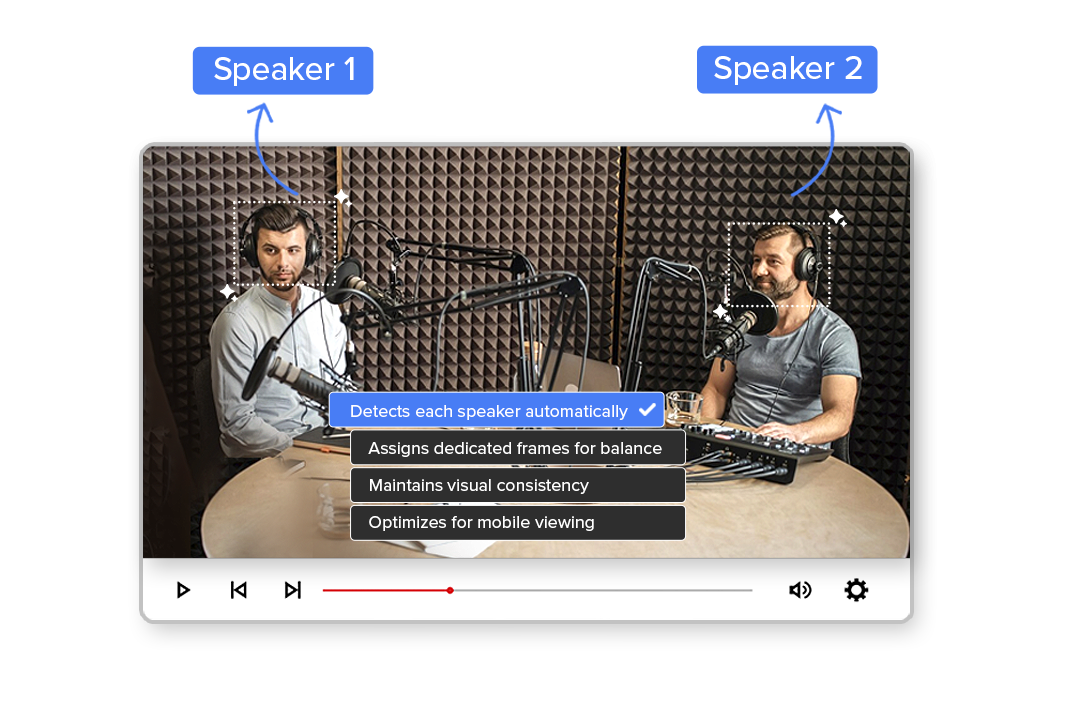
| Dynamic Framing / Intelligent Reflow | ||||
| Portrait-First Output | ||||
| Workflow Integration | ||||
| Live & Recorded Support | ||||
| Ease of Use (AI-First) | ★★★★★ | ★★★☆☆ | ★★☆☆☆ | ★★☆☆☆ |
| Team & Enterprise Scale | ||||
| Publish Directly to Platforms |

Complete Suite
Part of Portrait Pro — 11 AI Features
Smart Crop is one of 11 powerful AI features designed to transform your video workflow
Frequently Asked Questions
What is Video Trimmer?
Video Trimmer is a dual-mode clipping tool that allows you to create clips using timestamps or transcripts directly within Portrait Pro.
Do I need editing experience to use it?
No. You can create clips using simple Mark In/Out controls or by selecting transcript text.
Can I create vertical clips after trimming?
Yes. Trimmed clips can be converted into portrait, square, or landscape formats instantly.
Is transcript-based trimming accurate?
Yes. The system aligns transcripts with timestamps for precise clip generation.
Can I add captions and templates after trimming?
Absolutely. Captions, branding templates, and overlays can be applied immediately.
Is it suitable for enterprise workflows?
Yes. It supports high-volume clipping for newsrooms, sports teams, and OTT platforms.
Stop wasting time scrubbing through timelines.
Create precise, ready-to-publish clips faster with Video Trimmer — fully integrated inside Portrait Pro.