







AI Video Tools
Create High-engaging Split Screen Videos with AI
Create scroll-stopping clean, centered, mobile-first portrait video — ready for Reels, Shorts, and TikTok and other social media platforms.
2M+
Videos Created
95%
Time Saved
4.9
User Rating
Trusted by the best agencies & video editors across the world


Overview
AI-Powered Split Screen Video conversion
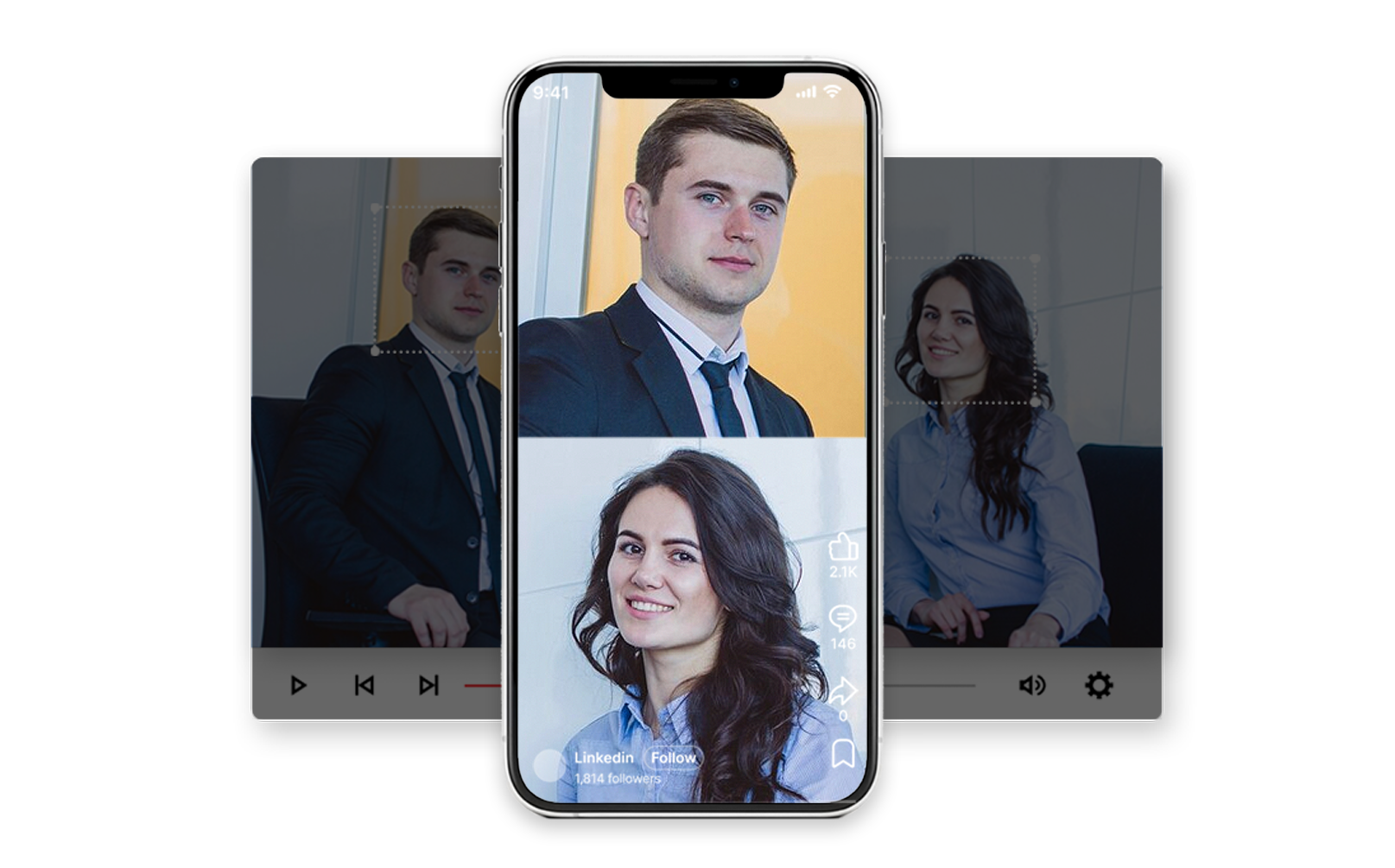
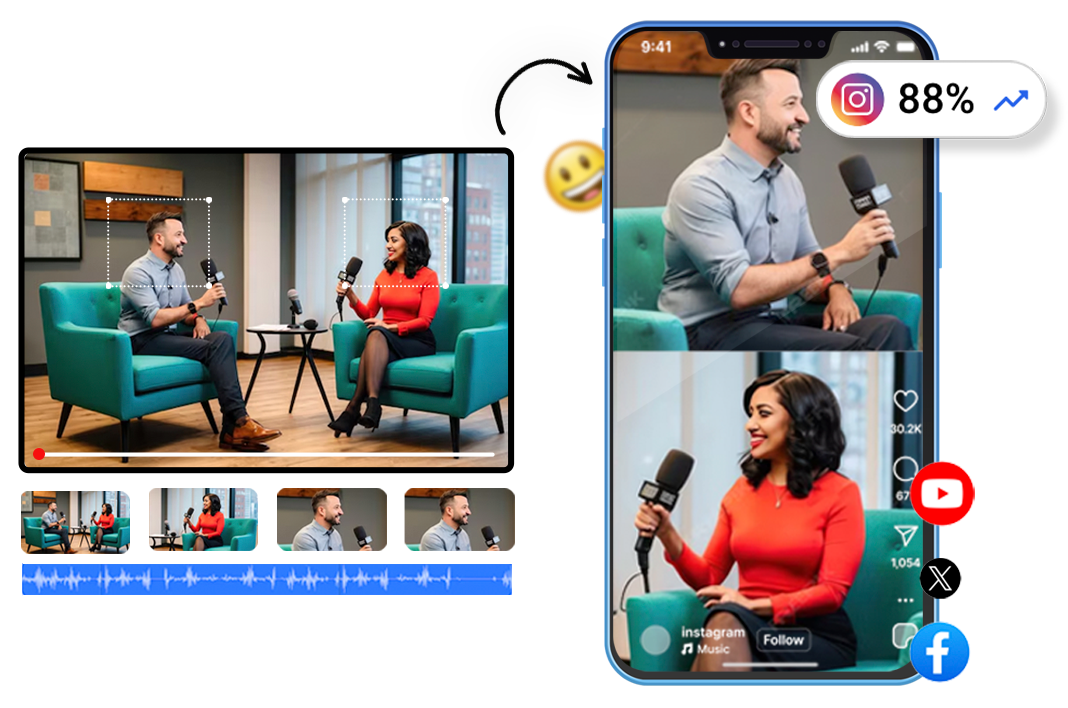
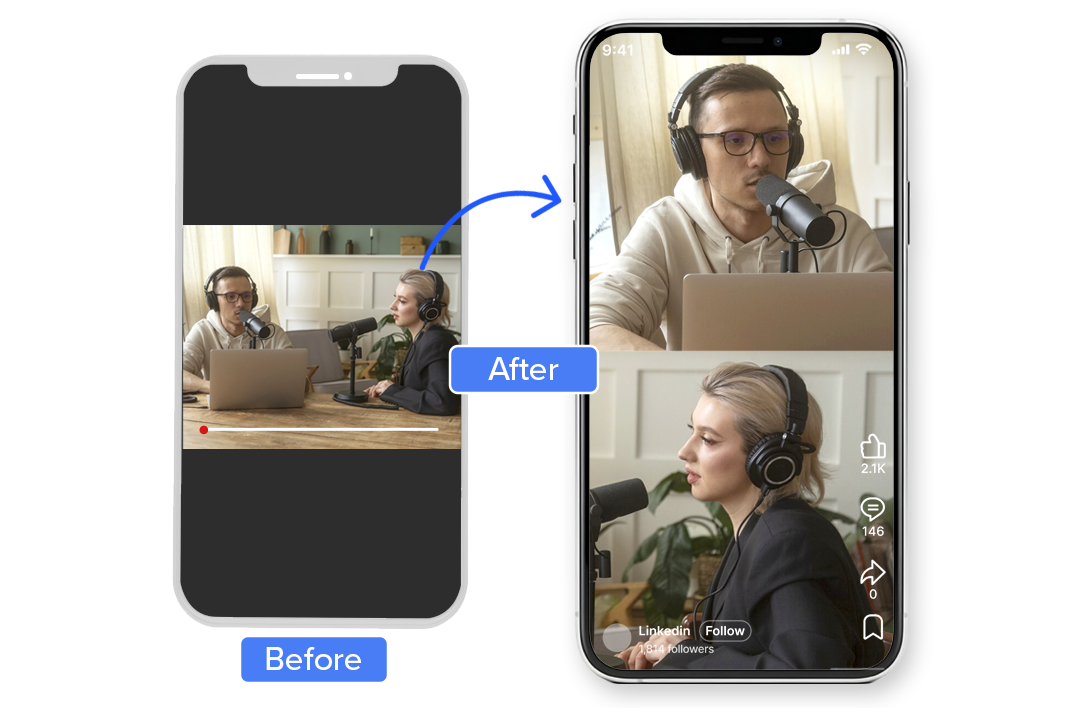
An AI-powered feature that automatically converts multi-speaker landscape videos into portrait split-screen formats. Perfect for podcasts, interviews, and conversations.
Instead of awkward crops or zooms, the AI:
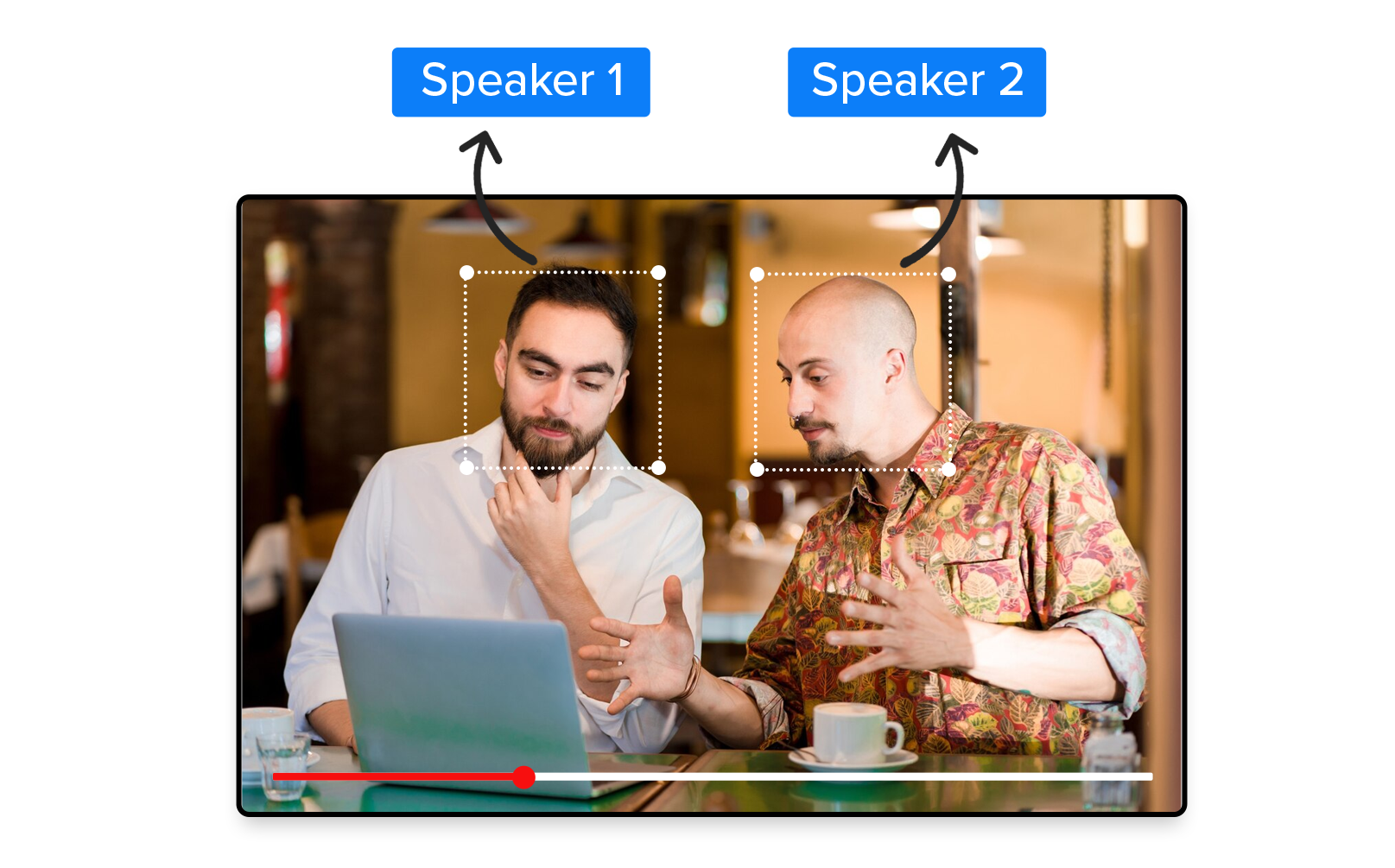
- Detects each speaker automatically
- Assigns dedicated frames for balance
- Maintains visual consistency
- Optimizes for mobile viewing
Why Choose Videograph's Split Screen conversion?
Most tools simply divide the screen. Videograph understands conversation flow and speaker dominance.

AI-Powered Subject & Motion Tracking
Automatically detects faces, speakers, and key on-screen action, ensuring the most important elements stay in focus throughout the video.

Dynamic, Natural Reframing
The crop intelligently follows subject movement in real time, creating smooth, professional framing without manual keyframing or jumpy cuts.

Built for Vertical & Mobile Platforms
Purpose-built for portrait and square formats, delivering scroll-stopping videos optimized for Reels, Shorts, TikTok, and mobile viewing.

Smart Workflow Integration
Seamlessly integrates with Videograph's clipping, editing, metadata, subtitles, and social publishing workflows — no exports, no tool switching.
Ready to transform your videos?
Features of Split Screen
Everything you need to create perfect split-screen videos
AI Speaker Detection
Automatically identifies the active speakers in the video. Using advanced computer vision and machine learning, the AI tracks each person throughout the entire video without manual input.
Intelligent Vertical Layout
Speakers are stacked in upper and lower halves with equal visual weightideal for mobile viewing. The AI ensures both subjects maintain proper headroom and composition throughout the video.
Multiple Aspect Ratios
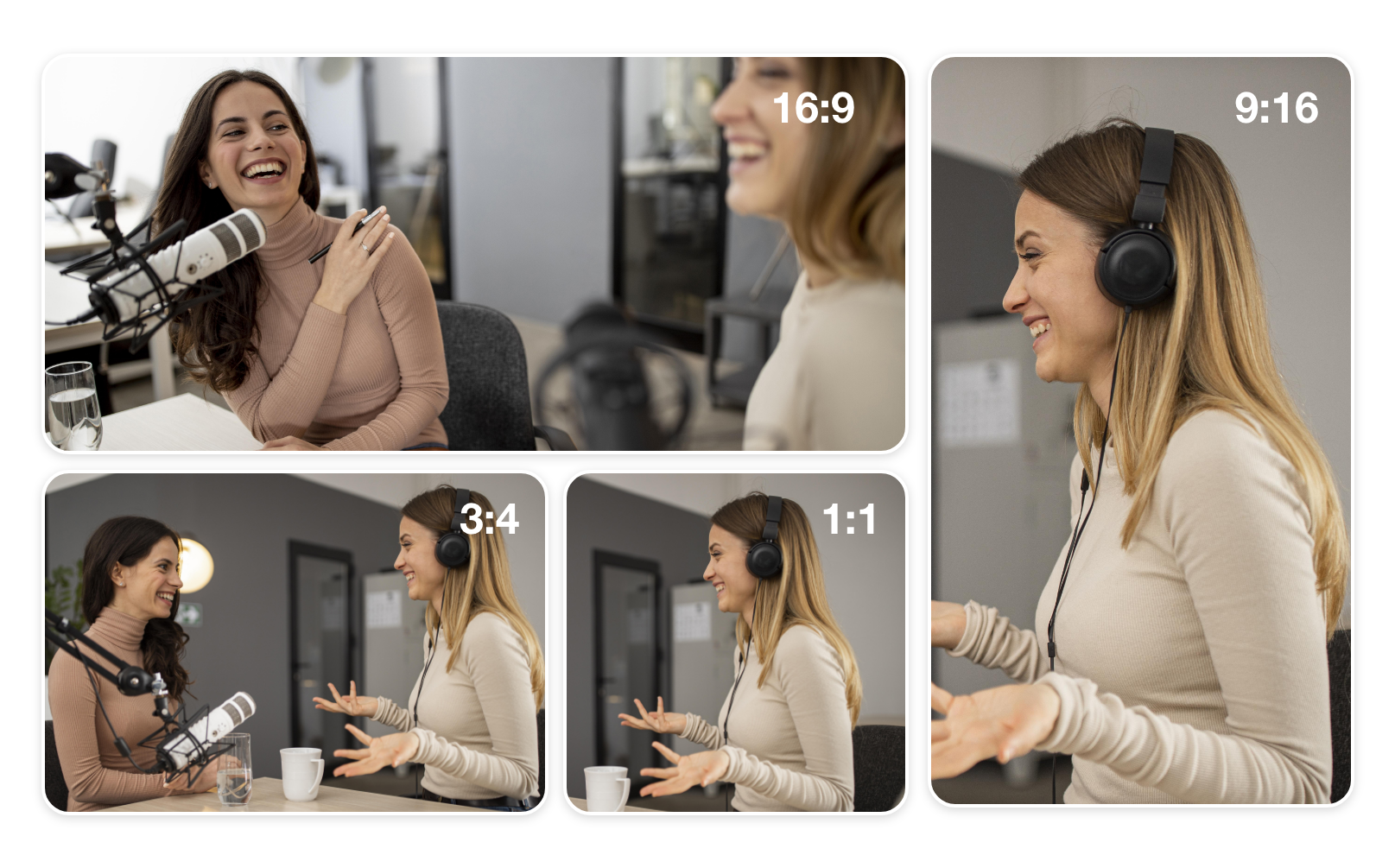
Designed specifically for vertical consumption, ensuring content looks native on Shorts, Reels, and TikTok. Support for 9:16, 1:1, 4:3, and custom portrait formats.
Integrated with captions, clips & publishing
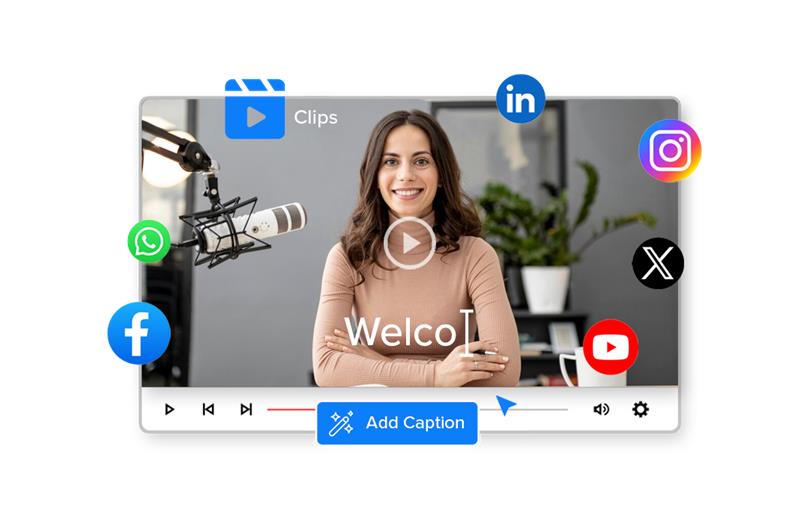
Seamlessly works with Videograph’s caption generation, video clipping, and direct social media publishing features for a complete end-to-end workflow.
Features of Split Screen
Automatically identifies the active speakers in the video. Using advanced computer vision and machine learning, the AI tracks each person throughout the entire video without manual input.

Simple Process
How It Works
From upload to export in 3 simple steps. No complex editing required.

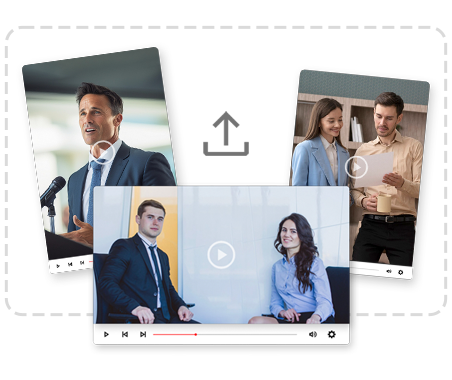
1. Upload your video
Upload your long-form video to Videograph or simply paste a YouTube video link.
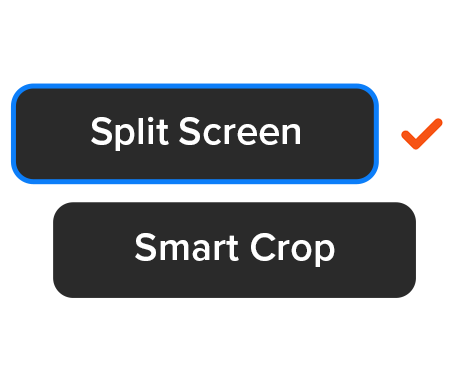
2. Enable AI Split Screen
Turn on Split Screen mode — the AI automatically detects and frames multiple subjects in portrait format.
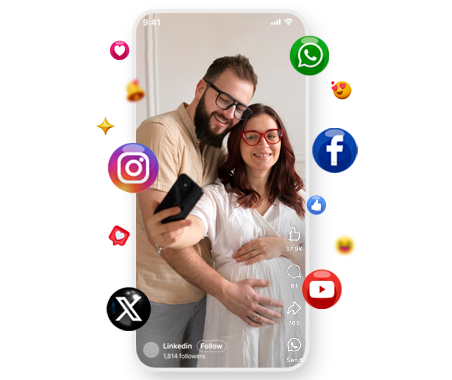
3. Preview & Publish
Review the output and publish directly to social platforms or download instantly.
Perfect For
Trusted by creators across every industry

Podcasts & Talk Shows
Turn long podcast episodes into viral vertical clips that capture both hosts in perfect balance.

News Debates & Interviews
Convert expert panels and debates into mobile-first news clips optimized for social sharing.

Sports Analysis & Commentary
Split commentators and analysts into engaging vertical conversations for sports fans.

Creators & Educators
Perfect for interviews, reactions, and collaborative content across all niches.
Why Videograph vs manual editing
See how AI-powered automation compares to traditional manual editing tools.
| Capability | Videograph | CapCut | Descript | Premiere Pro / Final Cut |
|---|---|---|---|---|
| AI Speaker Detection | ||||
| Automatic Split-Screen Generation | ||||
| Dynamic Framing / Intelligent Reflow | ||||
| Portrait-First Output | ||||
| Workflow Integration | ||||
| Live & Recorded Support | ||||
| Ease of Use (AI-First) | ★★★★★ | ★★★☆☆ | ★★☆☆☆ | ★★☆☆☆ |
| Team & Enterprise Scale | ||||
| Publish Directly to Platforms |

Complete Suite
Part of Portrait Pro — 11 AI Features
Split Screen is one of 11 powerful AI features designed to transform your video workflow
Frequently Asked Questions
Does this work for podcasts recorded in landscape?
Yes. It’s designed specifically for landscape podcast and interview recordings. The AI automatically detects speakers in landscape videos and converts them into perfectly balanced vertical split-screen formats.
Can I use this for more than two speakers?
Yes. It’s designed specifically for landscape podcast and interview recordings. The AI automatically detects speakers in landscape videos and converts them into perfectly balanced vertical split-screen formats.
Do I need to manually mark speakers?
Yes. It’s designed specifically for landscape podcast and interview recordings. The AI automatically detects speakers in landscape videos and converts them into perfectly balanced vertical split-screen formats.
Which platforms is this optimized for?
Yes. It’s designed specifically for landscape podcast and interview recordings. The AI automatically detects speakers in landscape videos and converts them into perfectly balanced vertical split-screen formats.
Will this affect video quality?
Yes. It’s designed specifically for landscape podcast and interview recordings. The AI automatically detects speakers in landscape videos and converts them into perfectly balanced vertical split-screen formats.
Ready to Create High-Engagement Split-Screen Videos?
Convert conversations into scroll-stopping vertical content in seconds.