







AI Video Tools
Schedule Content With Precision and Visibility
Plan, schedule, and automatically publish videos to individual social accounts — all from a centralized calendar interface. Whether you’re managing daily posts or high-volume content campaigns, Social Media Scheduling keeps everything organized, optimized, and on time.
2M+
Videos Created
95%
Time Saved
4.9
User Rating
Trusted by the best agencies & video editors across the world


Overview
What Is Social Media Scheduling?
Social Media Scheduling allows users to plan and automate video publishing to specific social accounts in advance using a visual calendar interface.
- Choose platforms and individual accounts
- Set publishing dates and times
- Track scheduled posts in a centralized calendar
The result: Instead of scrambling to publish daily content, teams can plan weekly or monthly strategies with full visibility.
Why Choose Social Media Scheduling?
Because timing, consistency, and speed define social performance

Centralized Calendar Visibility
See all scheduled posts across platforms in one clean calendar UI. Avoid overlaps, missed windows, and publishing conflicts.

Publish at Peak Performance Windows
Schedule content for optimal engagement timing — even outside working hours — improving reach consistency over time.

Scale Without Manual Effort
Schedule dozens or hundreds of posts in advance, reducing last-minute operational pressure and increasing team efficiency.

Integrated Analytics & Optimization
Track performance data alongside scheduling to refine posting strategies continuously.
Ready to tschedule your videos?
Features of Social Scheduling
Everything you need to create Viral content
Visual Publishing Calendar
An intuitive calendar interface that displays all scheduled posts clearly.
- Daily, weekly, and monthly views
- Drag-and-drop scheduling
- Easy editing and rescheduling
Multi-Account Scheduling
Publish content automatically to individual accounts across platforms.
- Select specific social accounts
- Avoid cross-posting errors
- Manage multiple brands or regions
Bulk Content Scheduling
Plan and queue large volumes of content in advance.
- Schedule multiple videos at once
- Ideal for campaigns and high-frequency publishing
- Reduces daily publishing workload
Integrated Analytics View
View engagement performance within the same ecosystem to inform future scheduling decisions.
- Track engagement trends
- Identify high-performing time slots
- Optimize posting cadence
Broadcast-Quality Output & Encoding
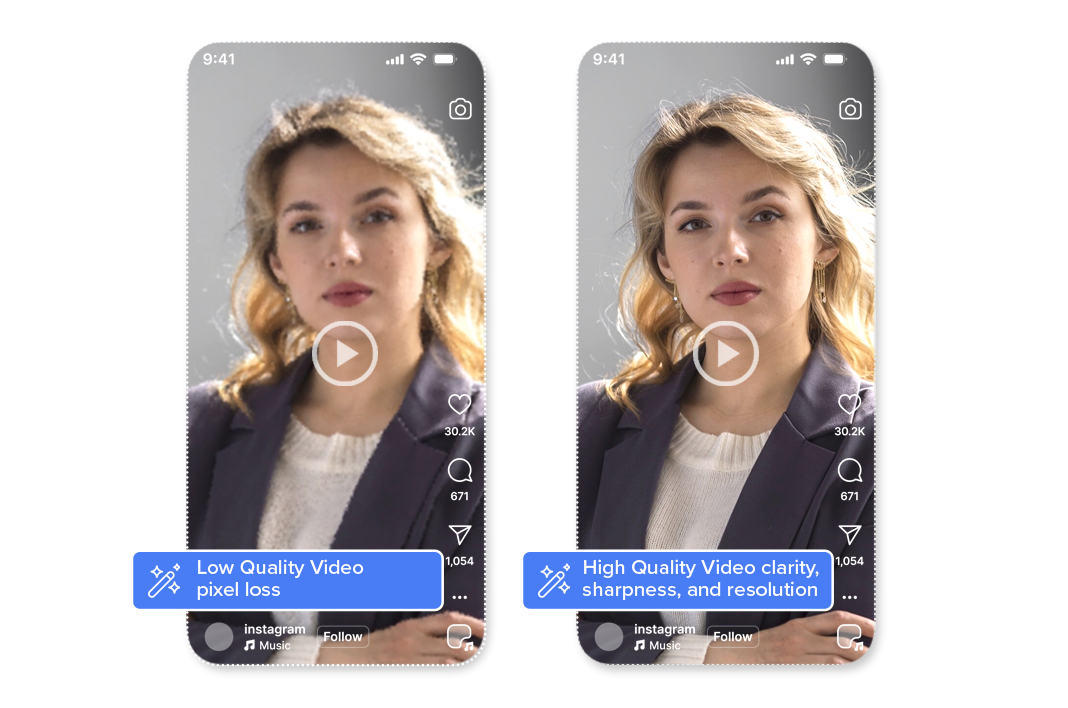
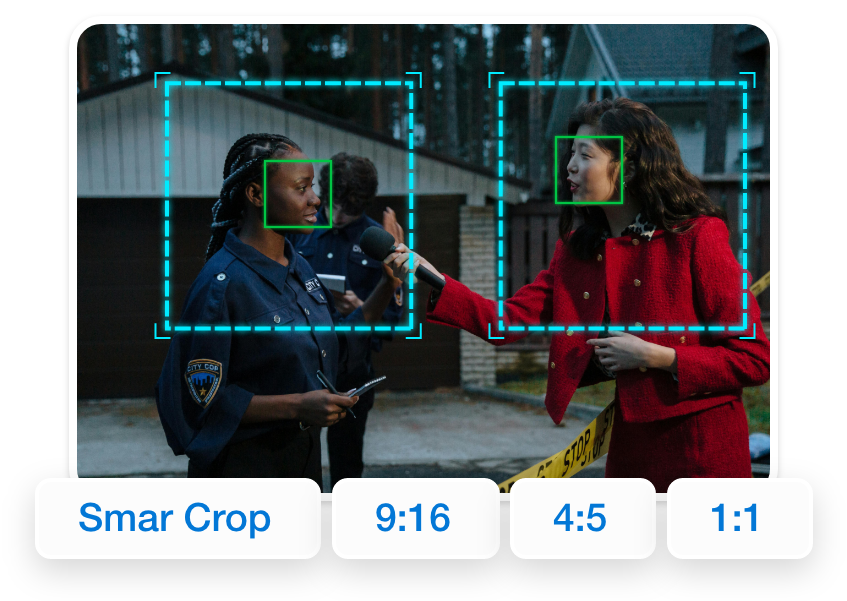
All Smart Crop outputs maintain original video clarity, sharpness, and resolution. Videograph uses professional-grade encoding and compression to ensure that vertical videos meet broadcast, OTT, and social platform quality standards—without pixel loss or distortion.
Perfect for brands and publishers that can’t compromise on quality.

Simple Process
How It Works
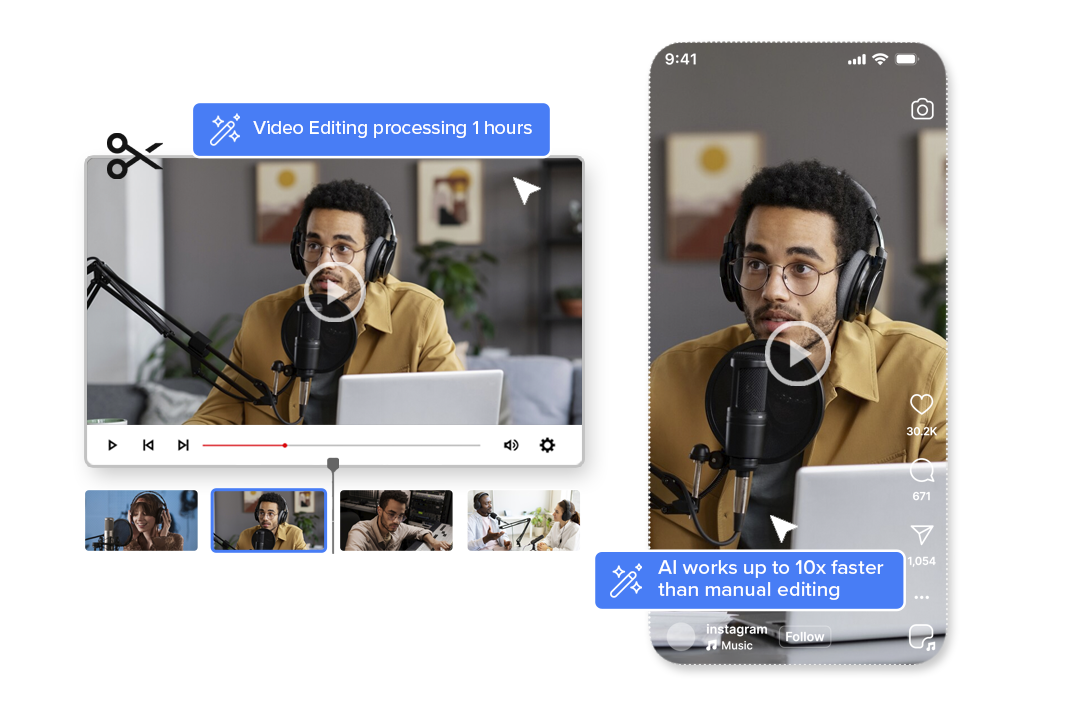
From horizontal to vertical in 3 simple steps. No manual editing required.

1. Select Content & Platforms
Choose your finalized video, select the social platforms and specific accounts, and define the publishing date and time.
Schedule in the Calendar
Add the post to your visual publishing calendar. Review, edit, or reschedule anytime with full visibility across all planned content.

3. Automatic Publishing
Your content goes live automatically at the scheduled time — no manual uploads, no platform switching, no last-minute effort.
Perfect For
Trusted by creators across every industry

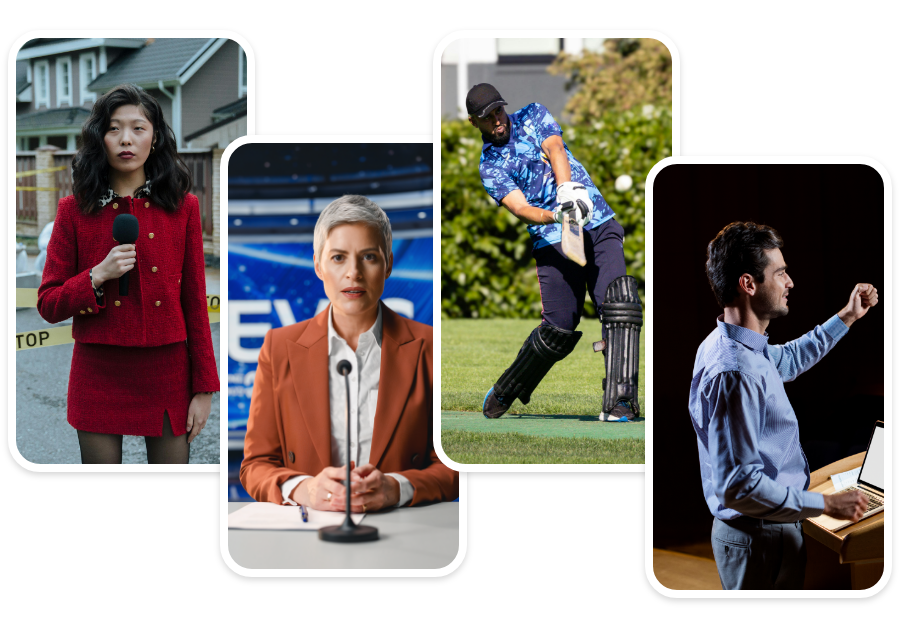
News & Media Teams
Plan daily segments, breaking clips, and recurring formats with structured visibility.

Sports Broadcasters & Leagues
Schedule match highlights, promo content, and post-game analysis ahead of time.

Creators & Digital Brands
Maintain consistent posting cadence without needing to publish manually every day.

Agencies & Multi-Brand Teams
Manage multiple accounts and campaigns from one unified calendar view.
Why Videograph vs manual editing
See how AI-powered automation compares to traditional manual editing tools.
| Capability | Videograph | CapCut | Descript | Premiere Pro / Final Cut |
|---|---|---|---|---|
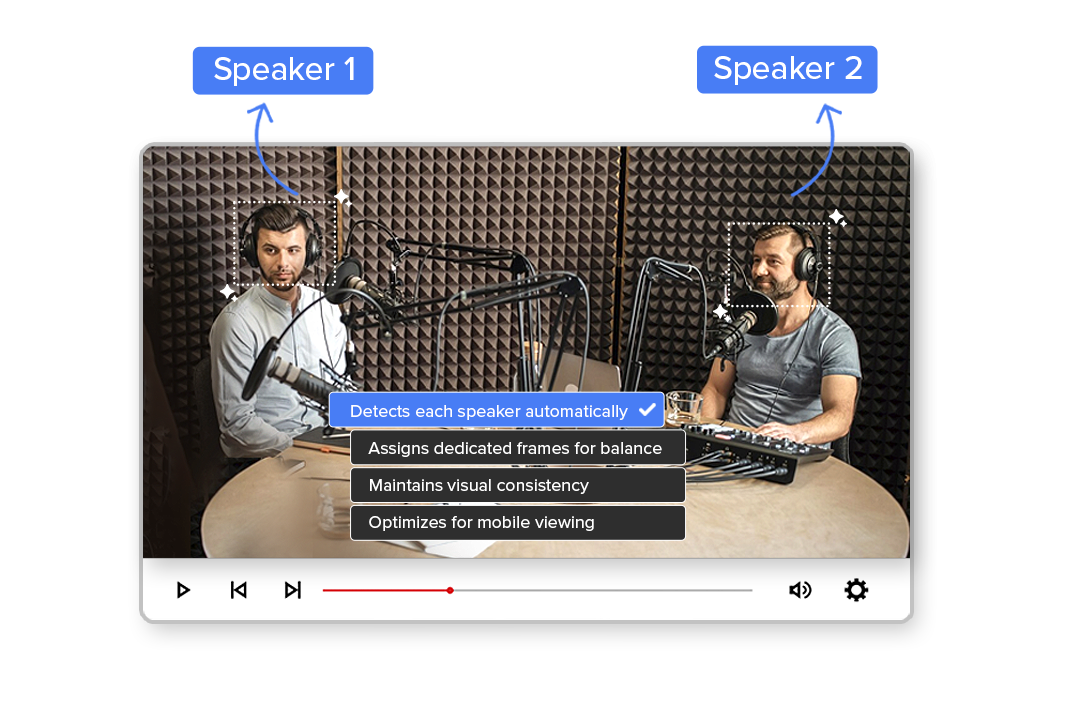
| AI Speaker Detection | ||||
| Automatic Split-Screen Generation | ||||
| Dynamic Framing / Intelligent Reflow | ||||
| Portrait-First Output | ||||
| Workflow Integration | ||||
| Live & Recorded Support | ||||
| Ease of Use (AI-First) | ★★★★★ | ★★★☆☆ | ★★☆☆☆ | ★★☆☆☆ |
| Team & Enterprise Scale | ||||
| Publish Directly to Platforms |

Complete Suite
Part of Portrait Pro — 11 AI Features
Smart Crop is one of 11 powerful AI features designed to transform your video workflow
Frequently Asked Questions
Can I schedule posts for multiple accounts?
Yes. You can select individual social accounts for each scheduled post.
Can I edit or reschedule content?
Yes. Scheduled posts can be modified directly within the calendar view.
Does it support high-volume scheduling?
Yes. The system is built for teams handling frequent publishing cycles.
Do I need a separate scheduling tool?
No. Scheduling is integrated within Portrait Pro.
Can I track performance?
Yes. Analytics are accessible within the same workflow.
Bring structure to your social strategy.
Plan smarter, publish consistently, and scale content operations with Social Media Scheduling.