







AI Video Tools
Create Scroll-stopping Vertical videos with AI
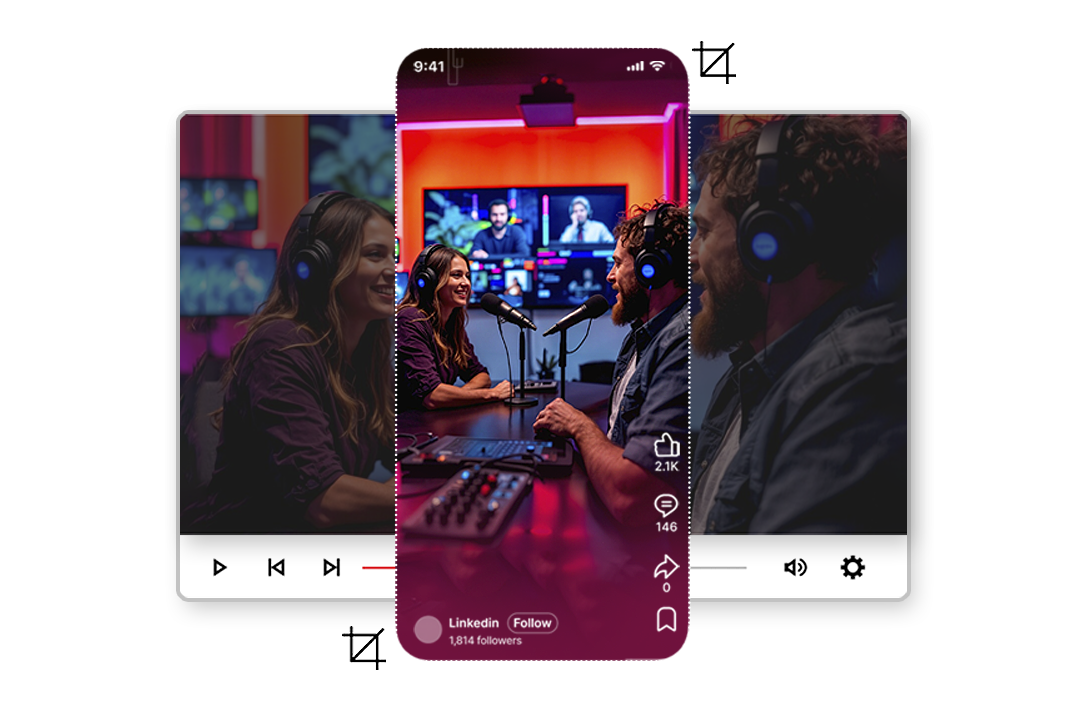
Turn any landscape video into perfectly framed vertical content for Reels, Shorts, TikTok, and mobile-first platforms—without manual editing.
2M+
Videos Created
95%
Time Saved
4.9
User Rating
Trusted by the best agencies & video editors across the world


Overview
What Is Smart Crop?
Smart Crop is Videograph’s AI-powered vertical video conversion tool that automatically transforms landscape videos into portrait and mobile-optimized formats.
- Advanced subject detection and motion tracking
- Intelligent scene understanding
- Keeps important action, people, and moments in frame
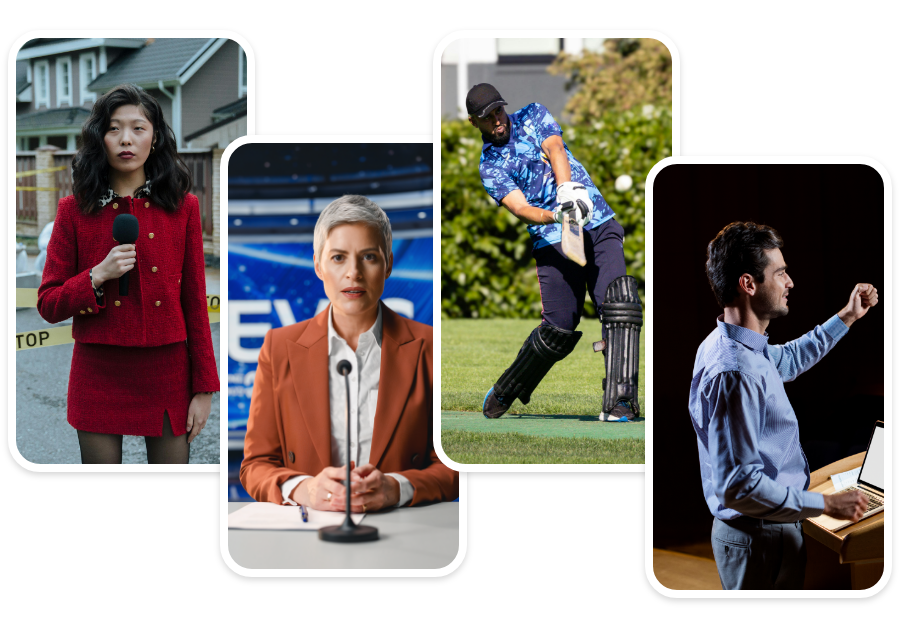
- Perfect for creator videos, news clips, sports highlights, and OTT promos
The result: professional-quality vertical videos in seconds—even when converting wide videos into vertical formats.
Why Choose Videograph's Smart Crop?
Most tools just crop the center. Videograph intelligently tracks what matters in your video.

AI Subject Detection & Tracking
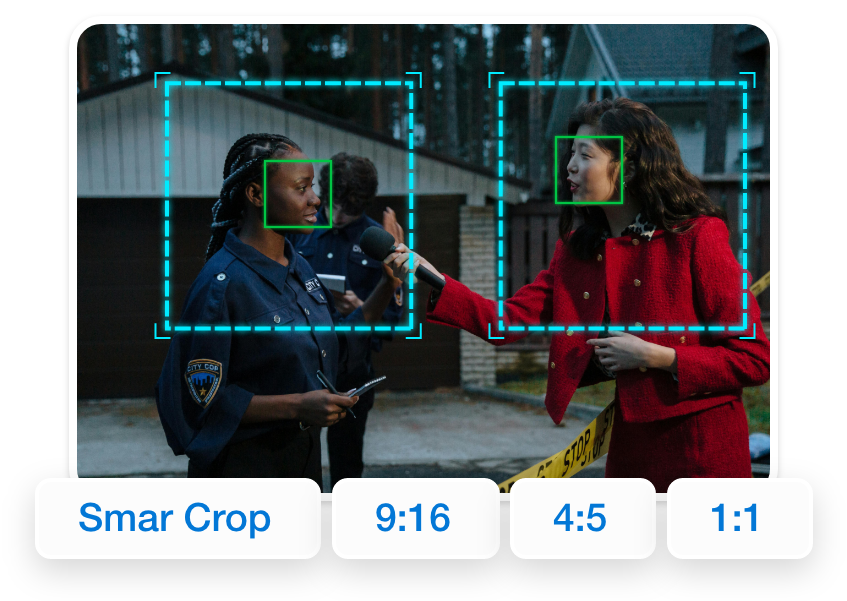
Automatically identifies the main subject, faces, or action in your video and tracks it seamlessly throughout the entire duration.

Intelligent Motion Following
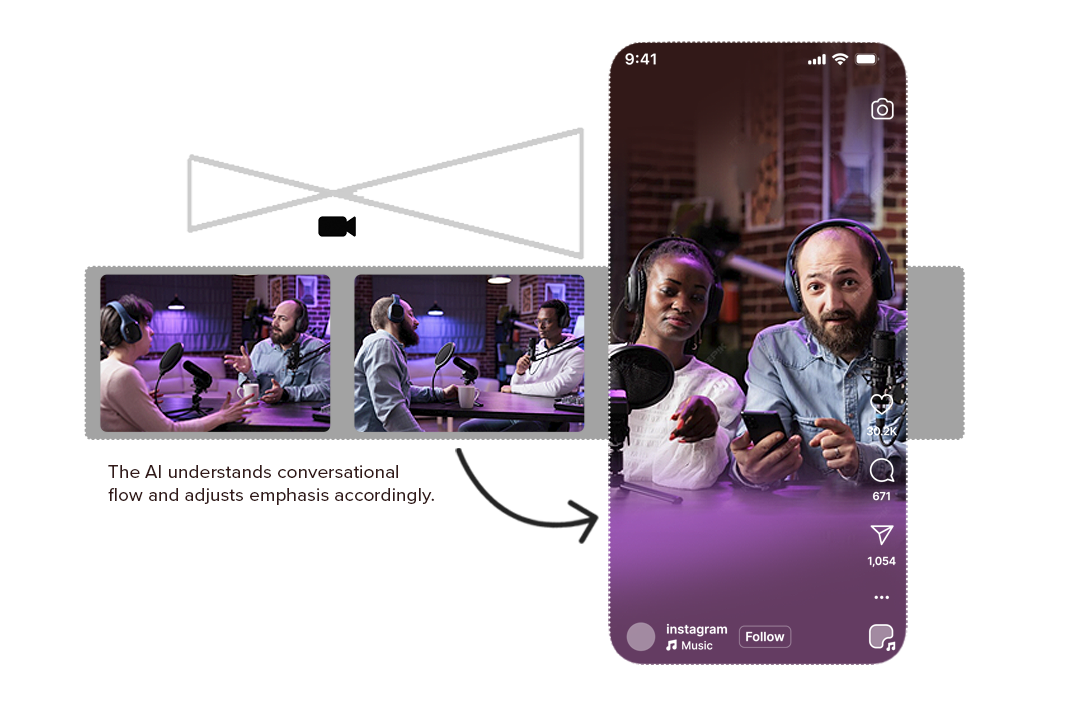
The crop frame dynamically follows subject movement, ensuring they stay perfectly centered without any jerky transitions.

Multi-Format Support
Export to 9:16 (Reels, TikTok, Shorts), 1:1 (Instagram Feed), 4:5 (Instagram Portrait), or custom aspect ratios with one click.

Seamless Workflow Integration
Works perfectly with Videograph's clipping, captions, editing, and publishing features—no need to switch between tools.
Ready to transform your videos?
Features of Smart Crop
Everything you need to create perfect vertical videos
AI Subject Detection & Intelligent Tracking
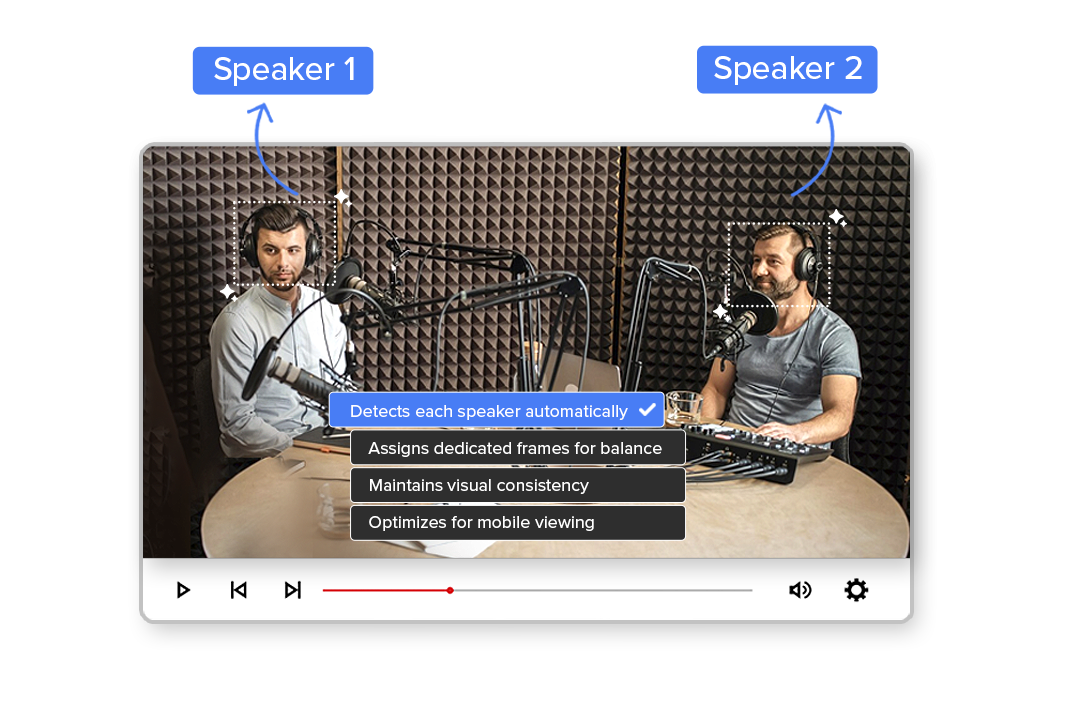
Smart Crop uses advanced computer vision to detect people, faces, players, speakers, and key objects in your video. The AI tracks them in real time, keeping the subject perfectly framed—even during fast motion, camera pans, or scene changes.
This removes the need for manual keyframing and makes Smart Crop ideal for sports, interviews, debates, podcasts, and creator content.
True Vertical Auto-Crop (9:16) for Social Platforms
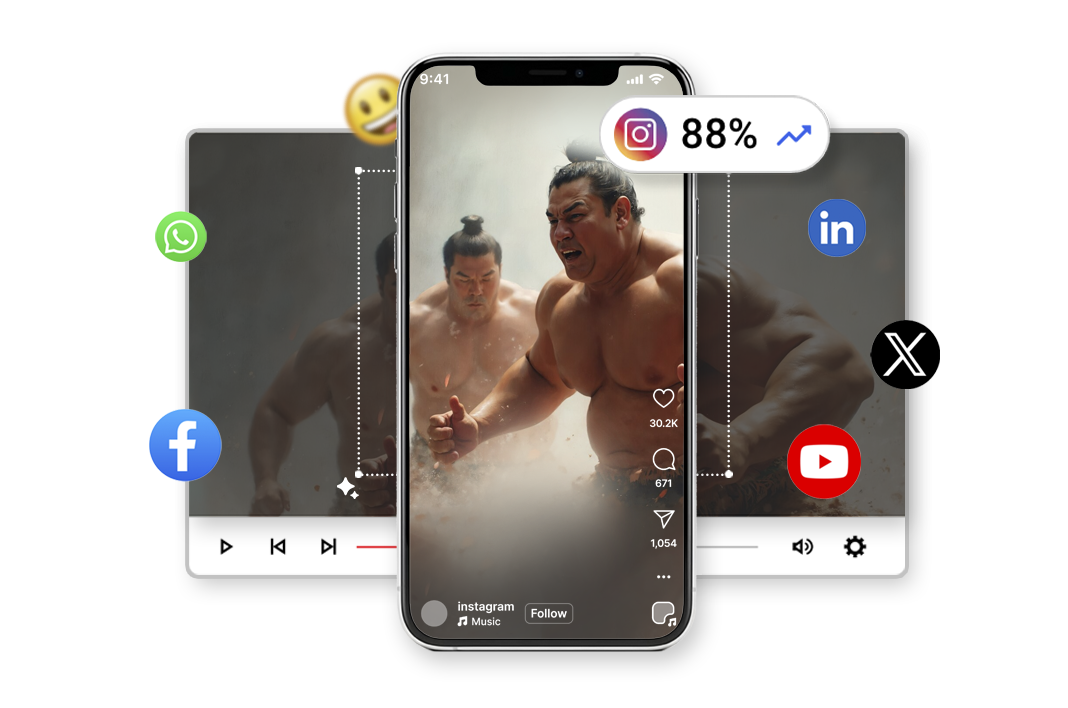
Unlike basic resize tools, Smart Crop doesn’t just convert dimensions—it reframes your content for vertical storytelling. The AI dynamically adjusts the crop to preserve context, expressions, and action, delivering native-looking videos optimized for Instagram Reels, YouTube Shorts, TikTok, and Facebook.
Your content looks like it was shot vertically from the start, not repurposed.
Scene-Aware Framing
Smart Crop understands scene boundaries and shot changes, automatically recalculating framing when angles shift or new subjects appear. This ensures smooth transitions without abrupt jumps or awkward cuts.
Ideal for news segments, OTT promos, sports recaps, and multi-speaker content.
High-Speed, Scalable Processing
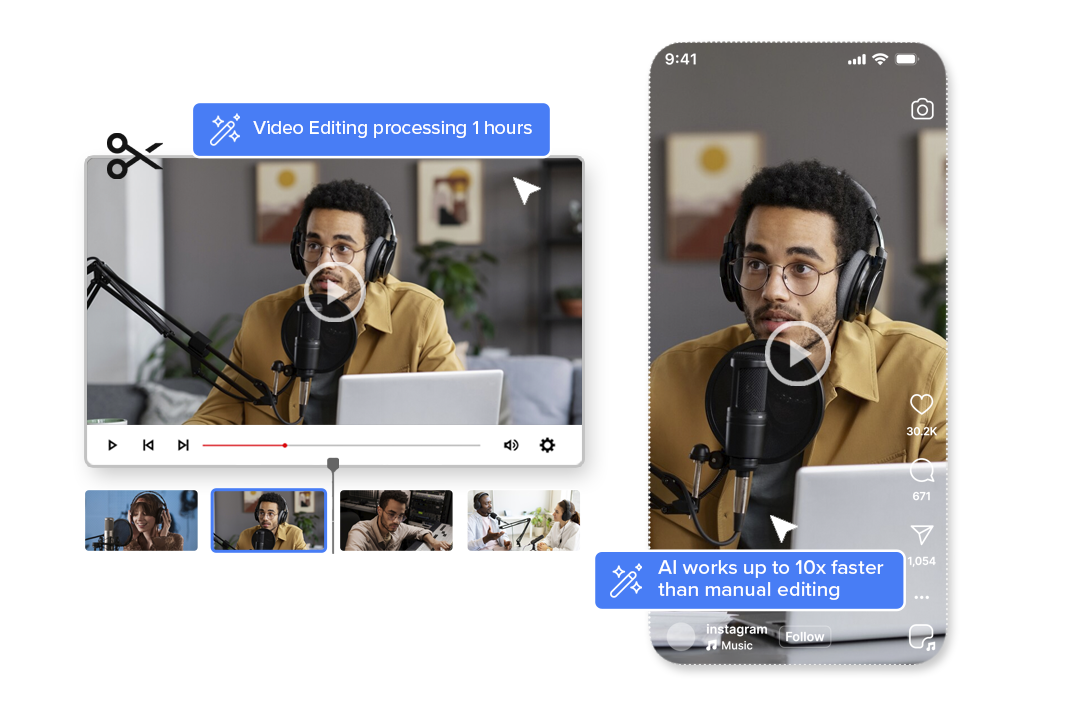
Smart Crop is built for scale. Whether you’re converting a single video or processing hours of content daily, the AI works up to 10x faster than manual editing, making it suitable for high-volume workflows like newsrooms, sports leagues, and social-first media teams.
Process more content without increasing editing effort.
Broadcast-Quality Output & Encoding
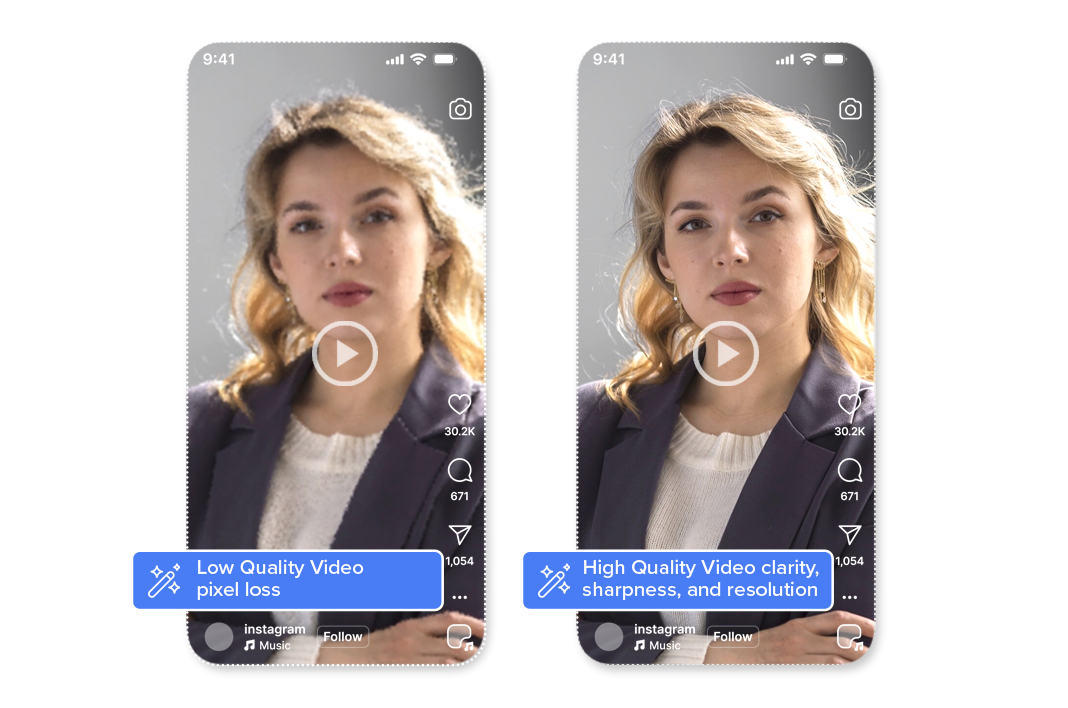
All Smart Crop outputs maintain original video clarity, sharpness, and resolution. Videograph uses professional-grade encoding and compression to ensure that vertical videos meet broadcast, OTT, and social platform quality standards—without pixel loss or distortion.
Perfect for brands and publishers that can’t compromise on quality.

Simple Process
How It Works
From horizontal to vertical in 3 simple steps. No manual editing required.

1. Upload your video
Upload your horizontal video to Videograph or paste a video link.
2. Enable Smart Crop
Turn on Smart Crop and select your desired aspect ratio (9:16, 1:1, or 4:5). The AI does the rest.

3. Preview & Publish
Review the cropped video and export directly or publish to your social platforms instantly.
Perfect For
Trusted by creators across every industry

Content Creators & Influencers
Repurpose your YouTube videos for TikTok, Reels, and Shorts without losing important framing.

Marketing Teams & Agencies
Convert existing video assets into mobile-first content optimized for social media campaigns

E-commerce & Product Demos
Transform product videos and demonstrations into vertical format for Instagram Shopping and TikTok Shop.

Educators & Course Creators
Make educational content mobile-friendly for students who consume content on vertical platforms.
Why Videograph vs manual editing
See how AI-powered automation compares to traditional manual editing tools.
| Capability | Videograph | CapCut | Descript | Premiere Pro / Final Cut |
|---|---|---|---|---|
| AI Speaker Detection | ||||
| Automatic Split-Screen Generation | ||||
| Dynamic Framing / Intelligent Reflow | ||||
| Portrait-First Output | ||||
| Workflow Integration | ||||
| Live & Recorded Support | ||||
| Ease of Use (AI-First) | ★★★★★ | ★★★☆☆ | ★★☆☆☆ | ★★☆☆☆ |
| Team & Enterprise Scale | ||||
| Publish Directly to Platforms |

Complete Suite
Part of Portrait Pro — 11 AI Features
Smart Crop is one of 11 powerful AI features designed to transform your video workflow
Frequently Asked Questions
How does Smart Crop's AI tracking work?
Smart Crop uses advanced computer vision to detect faces, people, and key subjects in your video. It then tracks their movement throughout the entire video and intelligently adjusts the crop frame to keep them centered with proper composition.
What aspect ratios does Smart Crop support?
Smart Crop supports all popular aspect ratios including 9:16 (TikTok, Reels, Shorts), 1:1 (Instagram Square), 4:5 (Instagram Portrait), and custom ratios. You can export to multiple formats from a single crop.
Can I manually adjust the crop after AI processing?
Yes! While Smart Crop does an excellent job automatically, you can always fine-tune the crop position, adjust tracking sensitivity, or manually position the frame at specific points in your video.
Does it work with all types of videos?
Smart Crop works best with videos containing people, faces, or clearly defined subjects. It’s perfect for talking-head videos, interviews, vlogs, presentations, and most content with human subjects. For abstract or landscape videos, manual adjustments may be needed.
How long does processing take?
Processing time depends on video length and resolution, but typically Smart Crop processes a 10-minute video in under 3 minutes. The AI works in real-time to analyze and crop your content quickly.
Ready to Create Vertical videos?
Join thousands of creators using Smart Crop to transform their content for mobile platforms.