







AI Video Tools
Create High-Performing Video Clips with AI
Turn long videos and live streams into engaging, ready-to-publish clips — powered by intelligent AI.
2M+
Videos Created
95%
Time Saved
4.9
User Rating
Trusted by the best agencies & video editors across the world


Overview
What Is the AI Video Clip Generator?
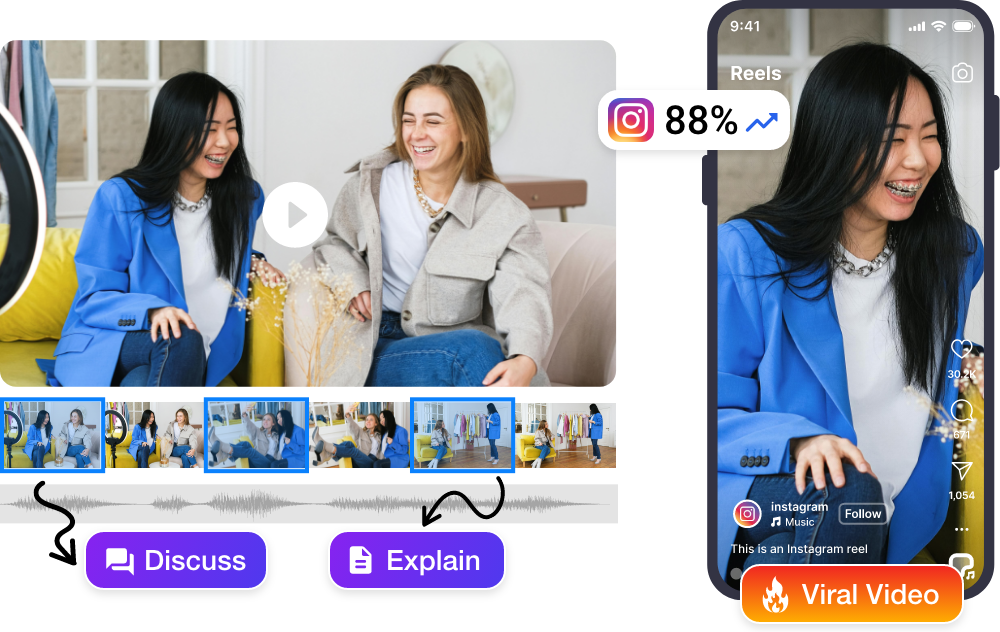
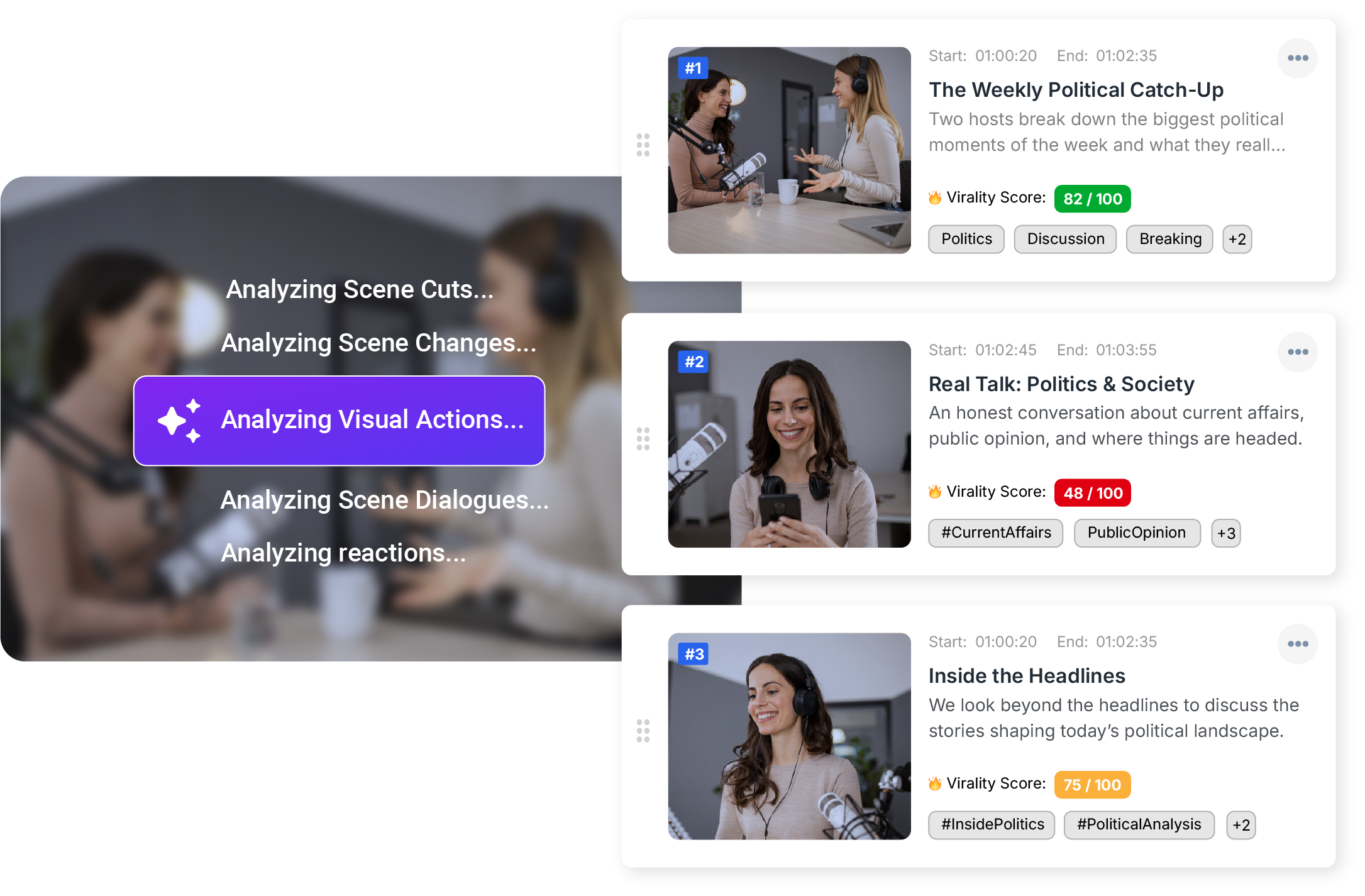
Videograph’s AI Video Clip Generator automatically identifies the most important, engaging, and meaningful moments from your videos or live recordings—no manual timeline scrubbing or guesswork required.
The AI Analyzes:
- Speech patterns and dialogue
- Visual action and movement
- Emotions & reactions
- Scene changes and cuts
The result: High-quality clips optimized for social, OTT, and digital platforms—generated in minutes, not hours.
Why Choose Videograph's AI Clip Generator?
Most tools simply provide timestamps. Videograph understands the video and provides with the best content clips.

Context-Aware AI, Not Just Scene Cuts
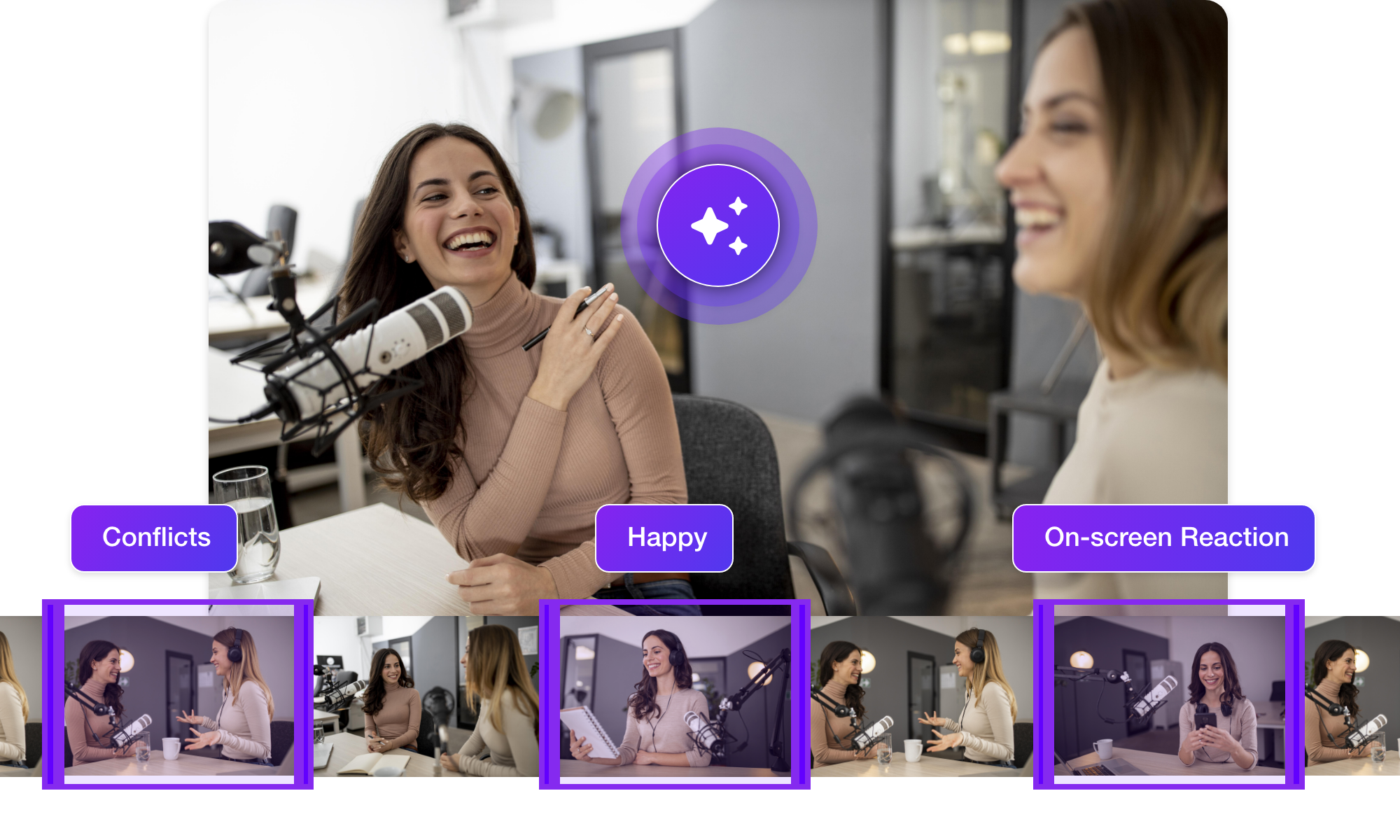
Unlike basic scene detection tools, Videograph understands what matters — key moments, emotional peaks, debates, goals, reactions, and narrative hooks.

Built for Media, Not Just Creators
Designed to support newsrooms, sports broadcasters, publishers, and enterprises, not only individual creators.

From Live to Social in Minutes
Generate clips directly from live streams, live recordings, or VOD — without waiting for post-production.

End-to-End Workflow Integration
Clips flow seamlessly into editing, captions, thumbnails, metadata, and social publishing — no exports or reuploads.
Ready to transform your videos?
Key Features of the AI Video Clip Generator
Intelligent automation meets editorial control
Intelligent Moment Detection
Videograph’s AI goes beyond basic scene cuts to understand what actually matters. It analyzes speech patterns, visual cues, emotions, and contextual signals to identify moments that engage audiences—from high-impact statements to key sports moments and emotional peaks.
Multiple Clip Types from One Video
Instead of one output, Videograph creates multiple clip variations—short-form social clips, highlight reels, recap clips, quotes, and platform-specific edits. Each designed for a different purpose and optimized for different pacing.
Platform-Optimized Clips
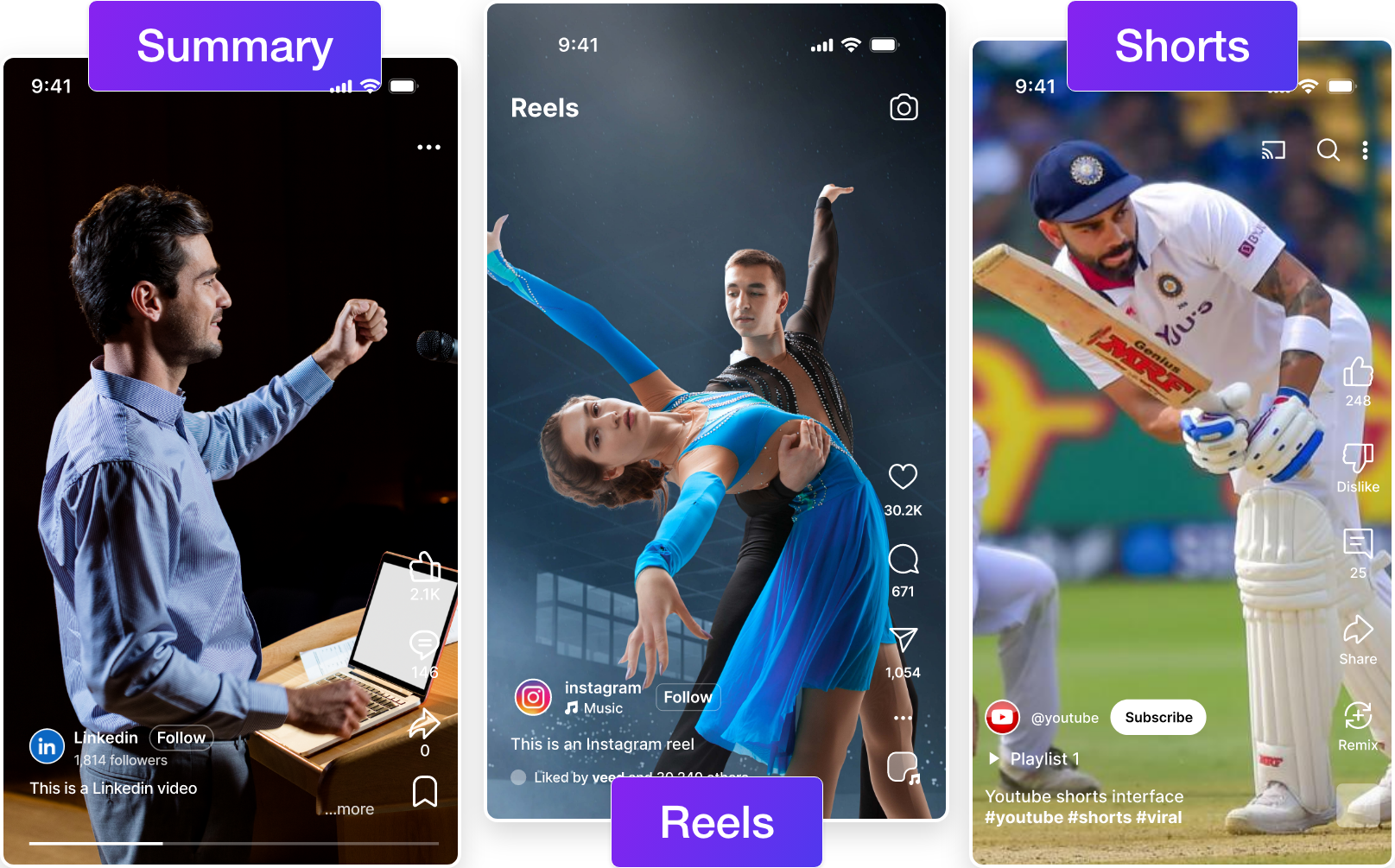
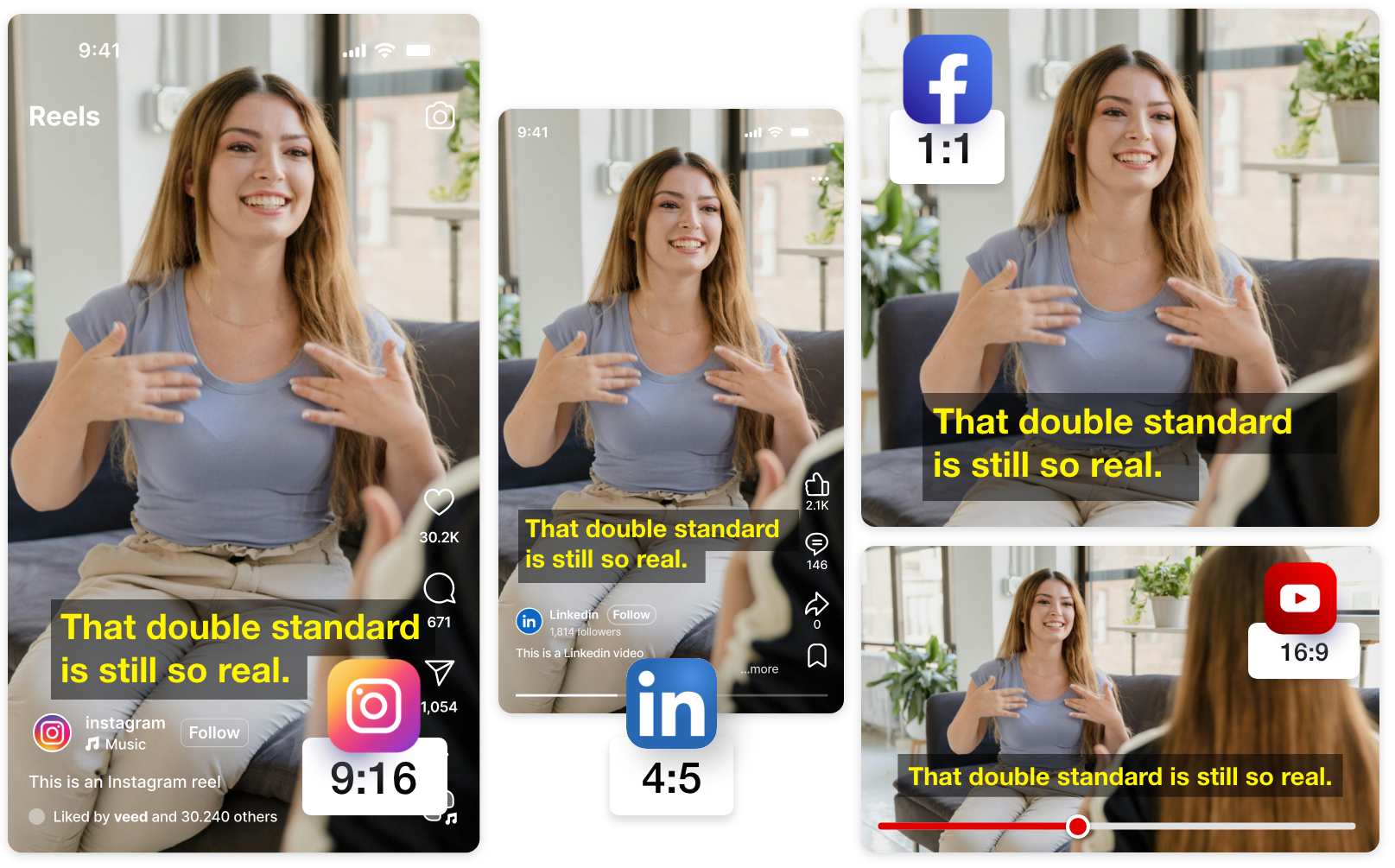
Every clip is automatically optimized for modern platforms. The AI considers aspect ratio, clip length, pacing, and framing—ensuring content performs well on Instagram Reels, YouTube Shorts, TikTok, and Facebook.
Fully Editable AI Clips
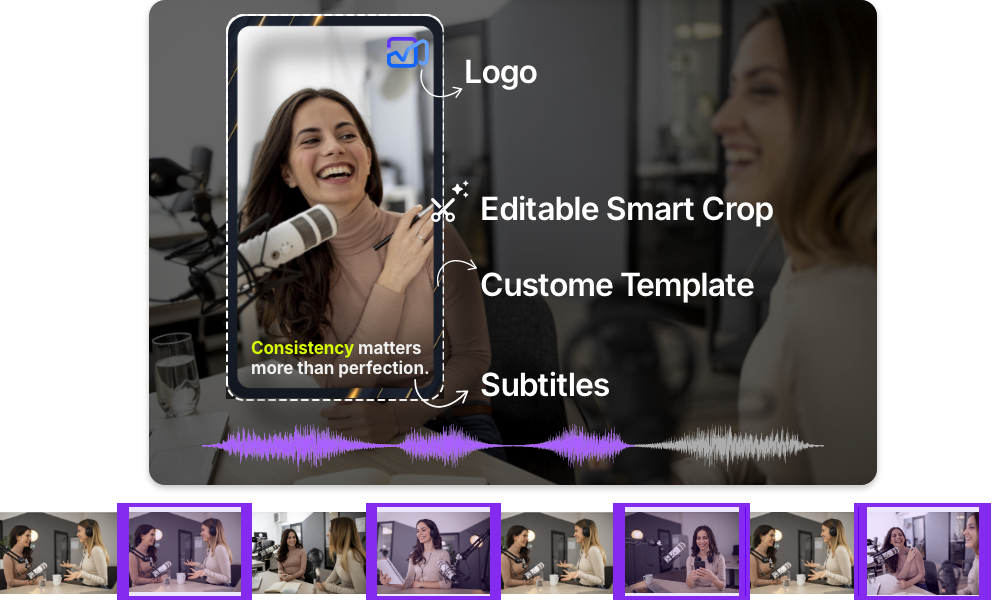
AI-generated clips aren’t locked outputs. Every clip can be refined using Videograph’s editing tools—adjust timing, apply Smart Crop or Split Screen, add captions and branding, or fine-tune framing.
Features of Split Screen
Automatically identifies the active speakers in the video. Using advanced computer vision and machine learning, the AI tracks each person throughout the entire video without manual input.

Simple Process
How It Works
From upload to export in 3 simple steps. No complex editing required.

1. Upload your video
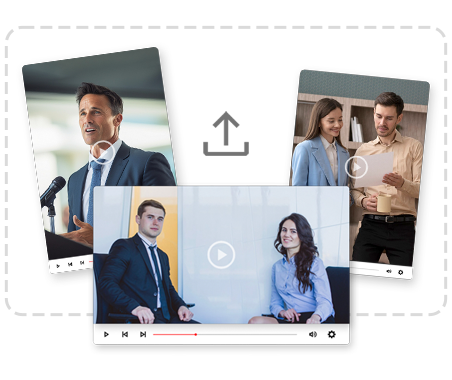
Upload your long-form video to Videograph or simply paste a YouTube video link.
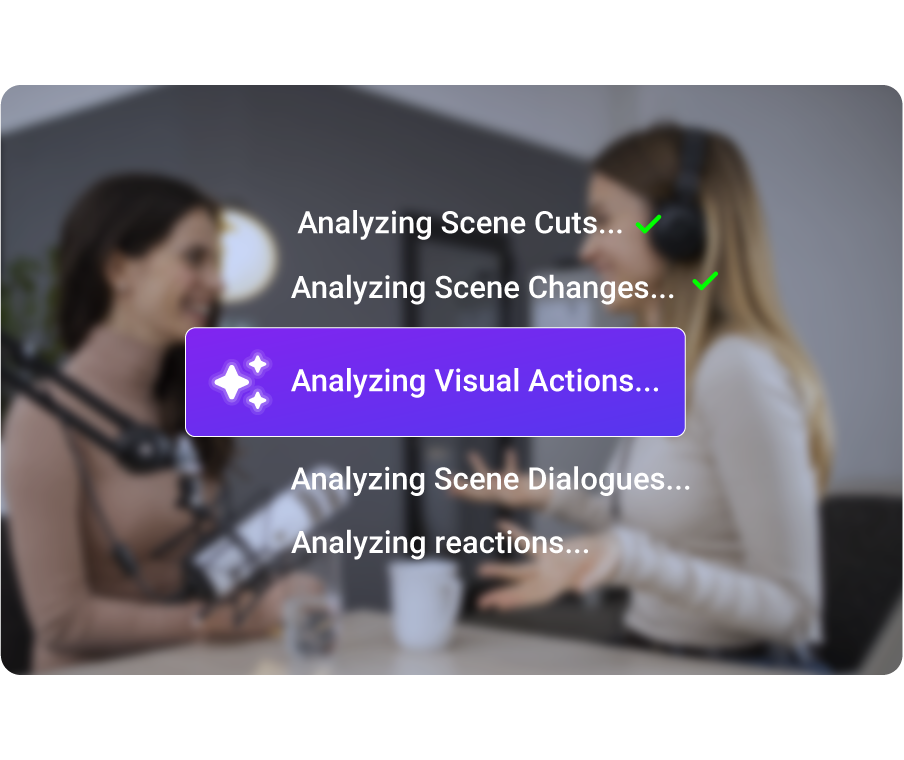
2. Enable AI Analysis
AI Analyzes the video, key moments, characters, and much more. Use AI Analysis for content moderation too.

3. Preview & Publish
Review the output and publish directly to social platforms or download instantly.
Perfect For
Trusted by creators across every industry

Creators
Turn podcasts, long videos, and livestreams into viral clips automatically.

Newsrooms
Instantly extract breaking news moments, debates, and soundbites

Sports Broadcasters
Auto-generate highlights, reactions, and key plays during or after matches.

Media & OTT Platforms
Create previews, promos, and recap clips at scale.
Why Videograph vs manual editing
See how AI-powered automation compares to traditional manual editing tools.
| Capability | Videograph | CapCut | Descript | Premiere Pro / Final Cut |
|---|---|---|---|---|
| AI Speaker Detection | ||||
| Automatic Split-Screen Generation | ||||
| Dynamic Framing / Intelligent Reflow | ||||
| Portrait-First Output | ||||
| Workflow Integration | ||||
| Live & Recorded Support | ||||
| Ease of Use (AI-First) | ★★★★★ | ★★★☆☆ | ★★☆☆☆ | ★★☆☆☆ |
| Team & Enterprise Scale | ||||
| Publish Directly to Platforms |

Complete Suite
Part of Portrait Pro — 11 AI Features
AI Video Clips is one of 11 powerful AI features designed to transform your video workflow
Frequently Asked Questions
Can I generate clips from live streams?
Yes. Videograph supports clip generation from live streams and live recordings.
How accurate is the AI in selecting moments?
The AI uses multimodal analysis (audio, video, context, emotion) to detect the most relevant moments with high accuracy.
Can I edit AI-generated clips?
Absolutely. Every clip is fully editable inside Videograph.
Does this work for news and sports content?
Yes. The system is trained for creators, news, sports, and enterprise media workflows.
Can I publish clips directly to social platforms?
Yes. Publish directly to Instagram, YouTube, TikTok, Facebook, and more.
Ready to Create High-Engagement AI Clips?
Create high performing video clips with AI