







AI Video Tools
Generate High-Engagement Video Captions with AI
Automatically create accurate, platform-optimized captions that boost watch time, accessibility, and engagement.
2M+
Videos Created
95%
Time Saved
4.9
User Rating
Trusted by the best agencies & video editors across the world


Overview
What is the AI Caption Generator?
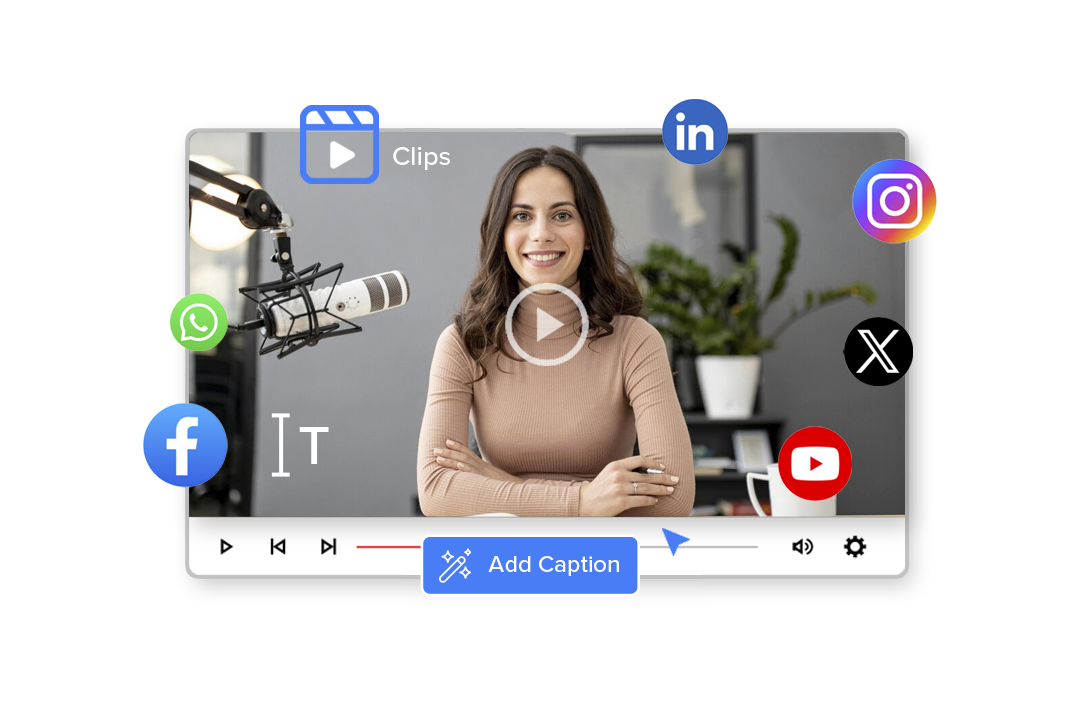
Videograph’s AI Caption Generator automatically converts spoken audio into accurate, readable, and engaging captions—optimized for mobile-first and sound-off viewing.
Unlike basic speech-to-text tools, Videograph’s caption generator:
- Understands context, pacing, and speaker changes
- Formats captions for readability and engagement
- Works seamlessly with clips, highlights, and full videos
The result: From social videos to broadcast clips, captions are generated in seconds and are fully editable inside Videograph.
Why Choose Videograph AI Caption Generator
Captions That Improve Watch Time, Reach, and Accessibility

Accurate & Context-Aware
AI understands accents, tone, and conversational flow, delivering captions that feel natural—not robotic.

Built for Sound-Off Audiences
Ensure your videos perform even when watched without audio. Captions are optimized for readability, pacing, and mobile screens.

Fully Editable & Brand-Safe
Edit wording, timing, style, and placement to match brand guidelines, editorial standards, or platform needs.

Seamlessly Integrated Workflow
Captions work natively with AI Clips, Video Editor, Portrait Pro, Metadata, and Publishing—no extra tools required.
Ready to transform your videos?
Features of the AI Caption Generator
Everything you need to edit videos faster
Automatic Speech-to-Text Captioning
Convert spoken audio into accurate captions using AI trained for real-world video content. From fast-paced sports commentary to newsroom reports and creator videos, captions are generated instantly without manual effort.
- High accuracy across accents and speaking styles
- Works for short clips and long-form videos
- Eliminates manual caption writing
Context-Aware, Brand safe captions
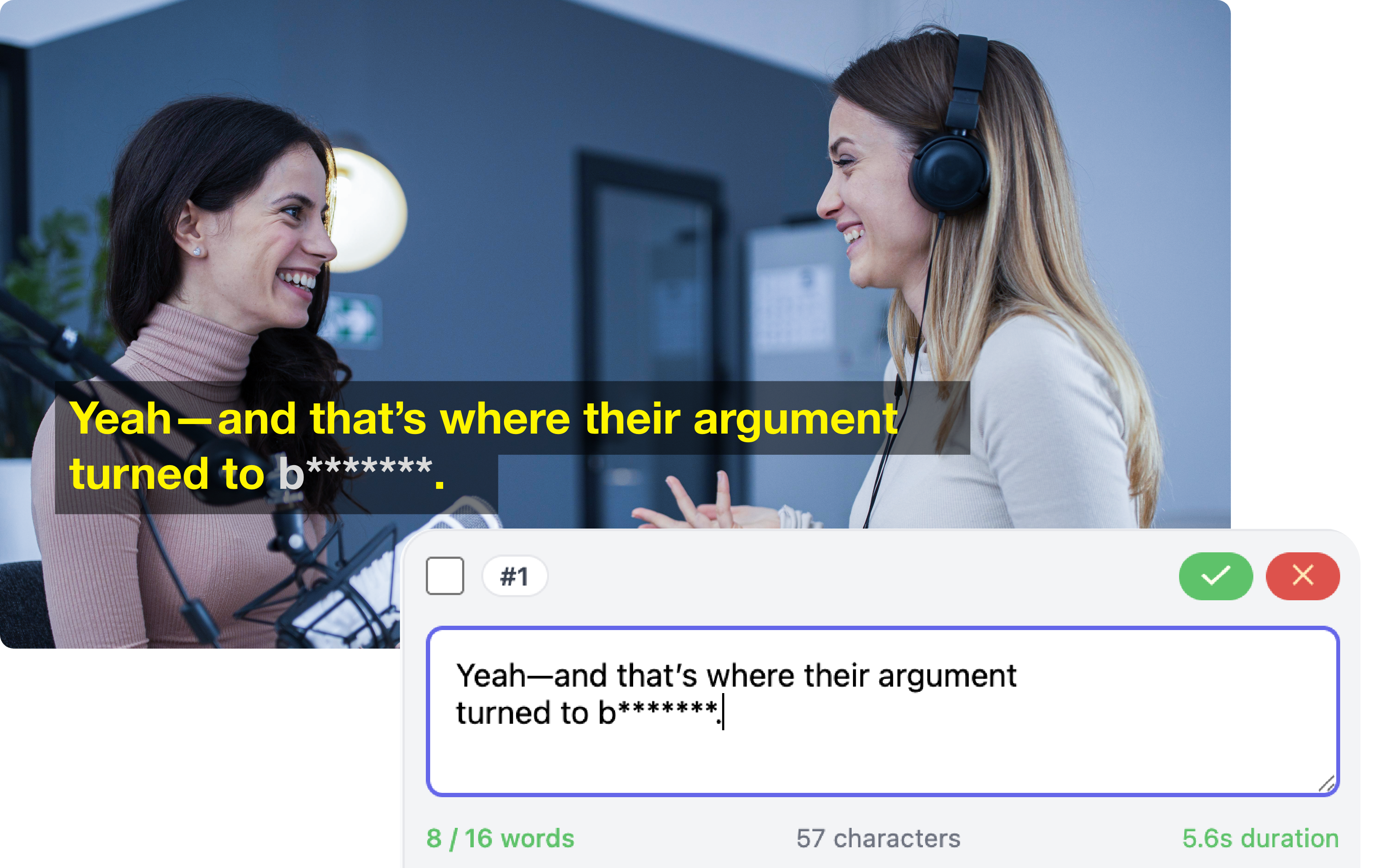
AI-generated captions are intelligently structured for clarity with smart line breaks, natural sentence grouping, and timing perfectly synced to speech flow for sound-off consumption. At the same time, you retain complete control—easily edit text, names, and timing without needing to regenerate captions, ensuring they always meet your brand and editorial standards.
- Smart line breaks and sentence grouping
- Natural timing synced to speech flow
- Full text and timing control
Multi-Speaker Detection
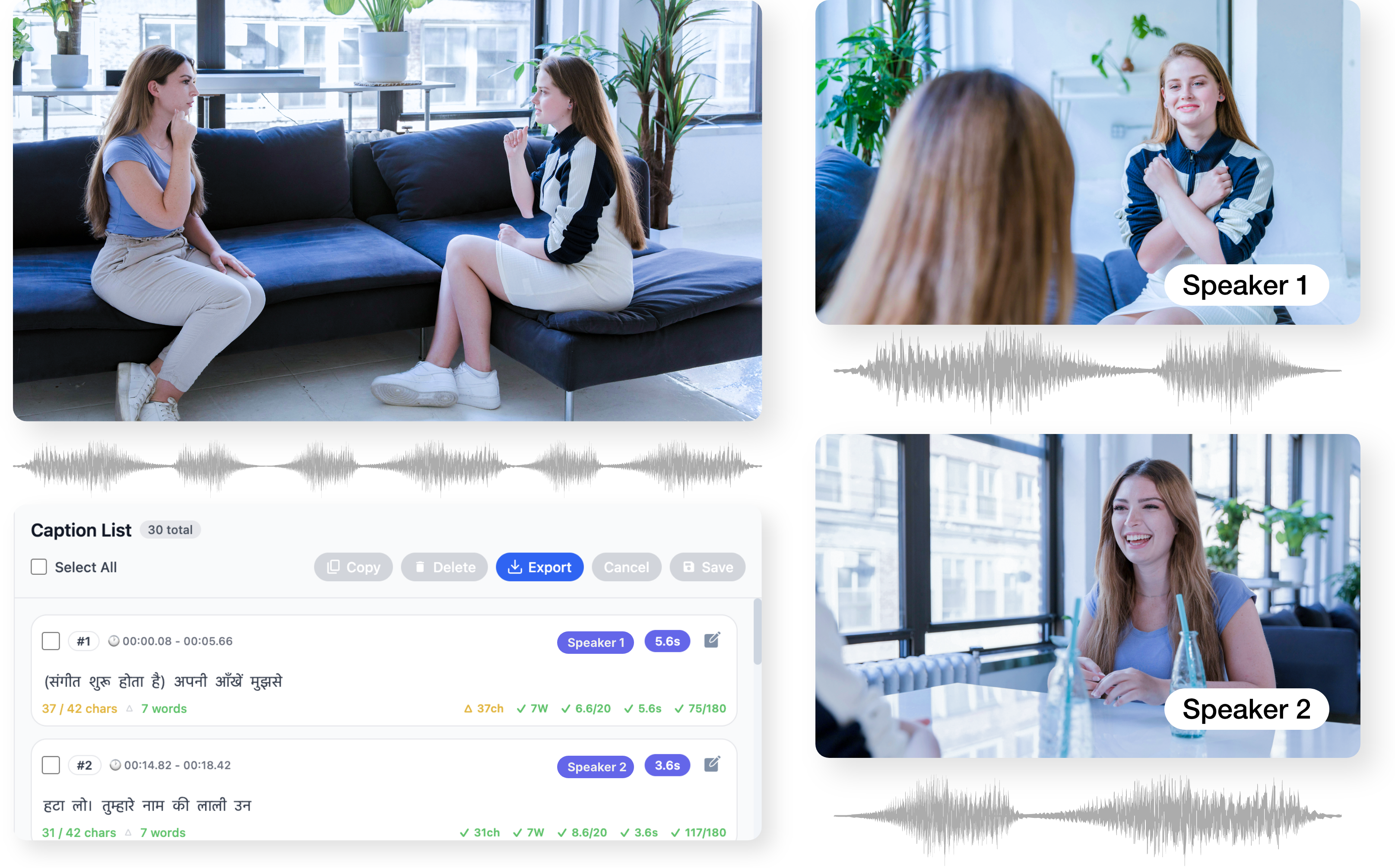
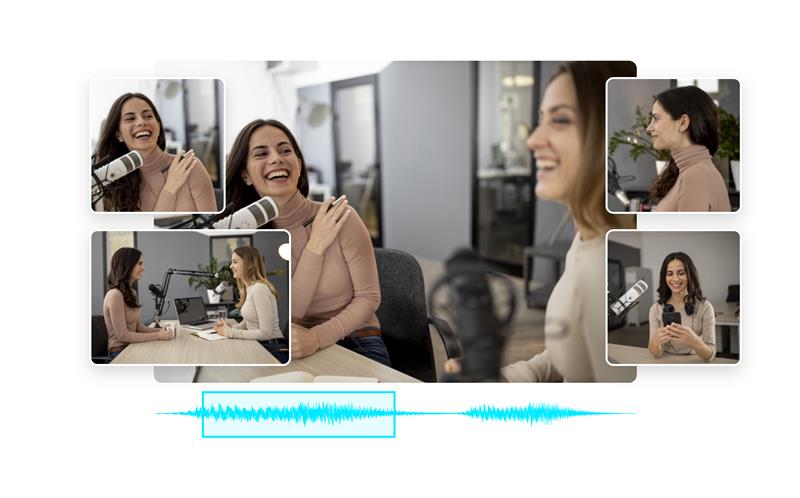
Automatically identifies and handles multiple speakers in a single video. This keeps conversations, interviews, and panels clear and easy to follow.
- Detects speaker changes automatically
- Ideal for interviews, podcasts, and debates
- Editable for editorial accuracy
Editable, Brand-Safe Captions
Maintain complete control over your captions while benefiting from AI speed. Easily refine text, tone, and timing to meet brand or editorial standards.
- Full text and timing control
- Easy corrections for names and terms
- No need to regenerate captions
Multi-Language Caption SupportI
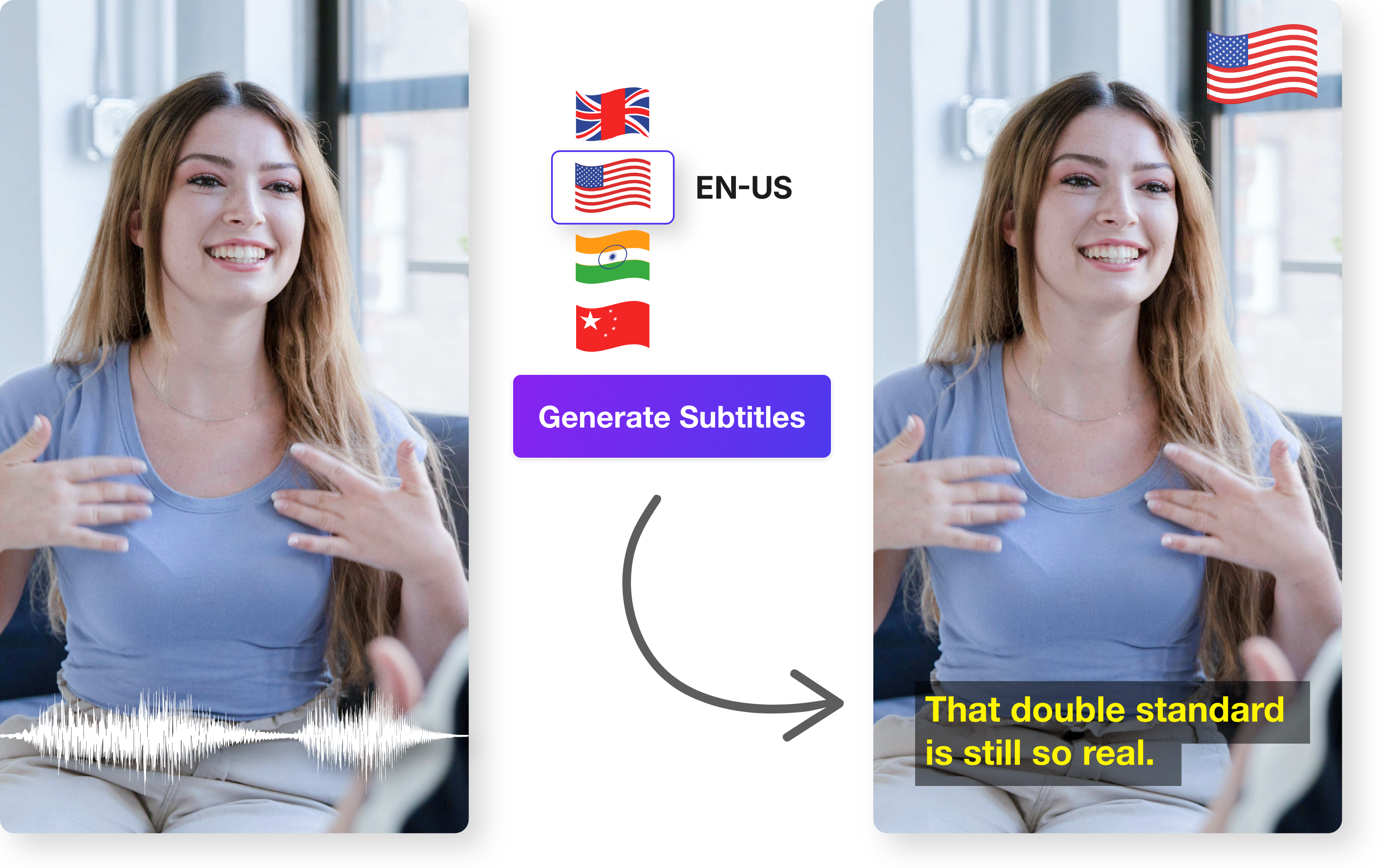
Create captions in multiple languages to reach global audiences. Ideal for OTT platforms, international publishers, and multi-region distribution.
- Generate captions in multiple languages
- Create separate language tracks
- Simplifies regional publishing
Caption Styling & Placement
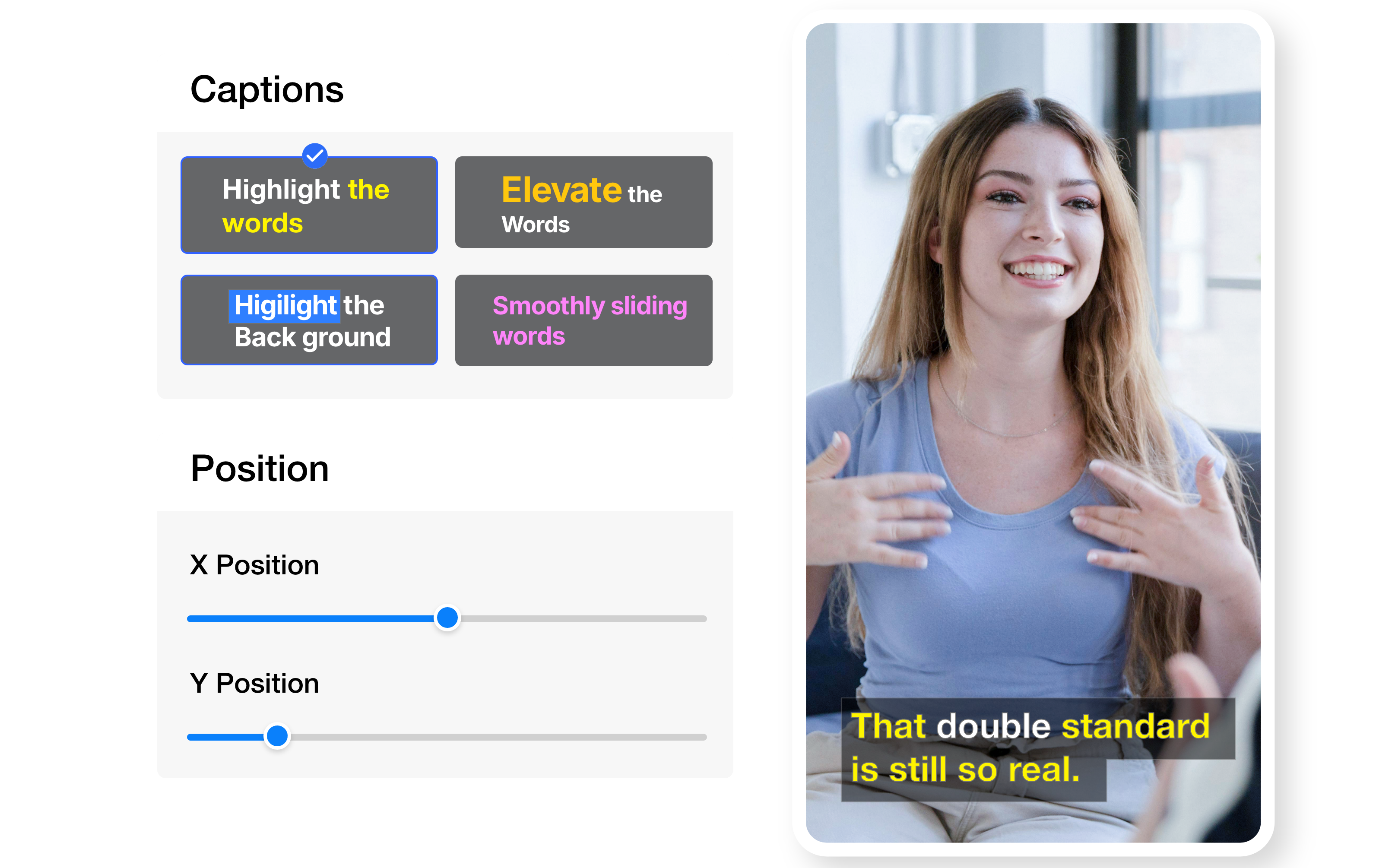
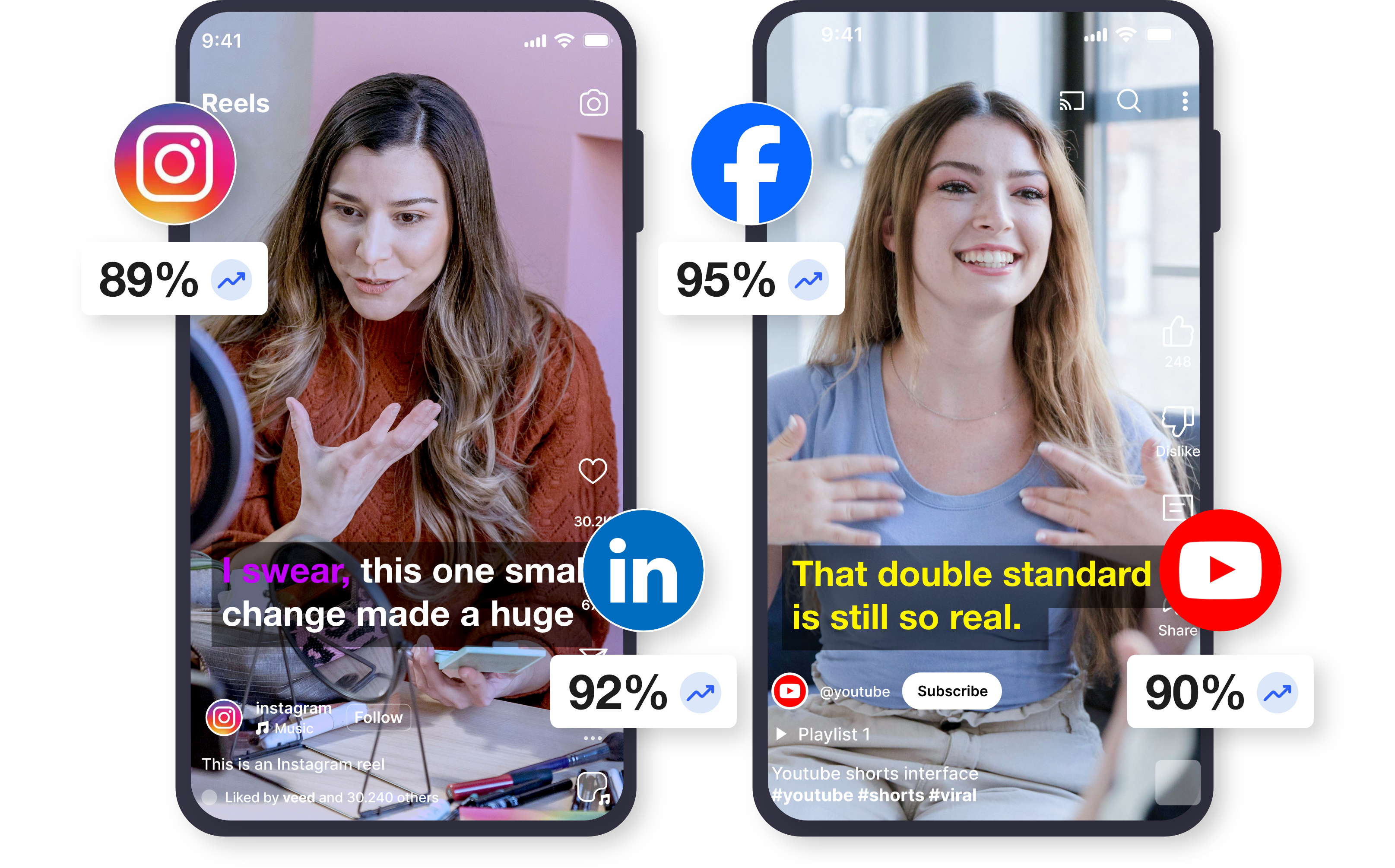
Customize how captions appear on screen to match your brand or platform. From clean broadcast styles to bold social captions, everything is configurable.
- Font, color, and background control
- Flexible positioning on screen
- Supports animated caption styles
Flexible Caption Export
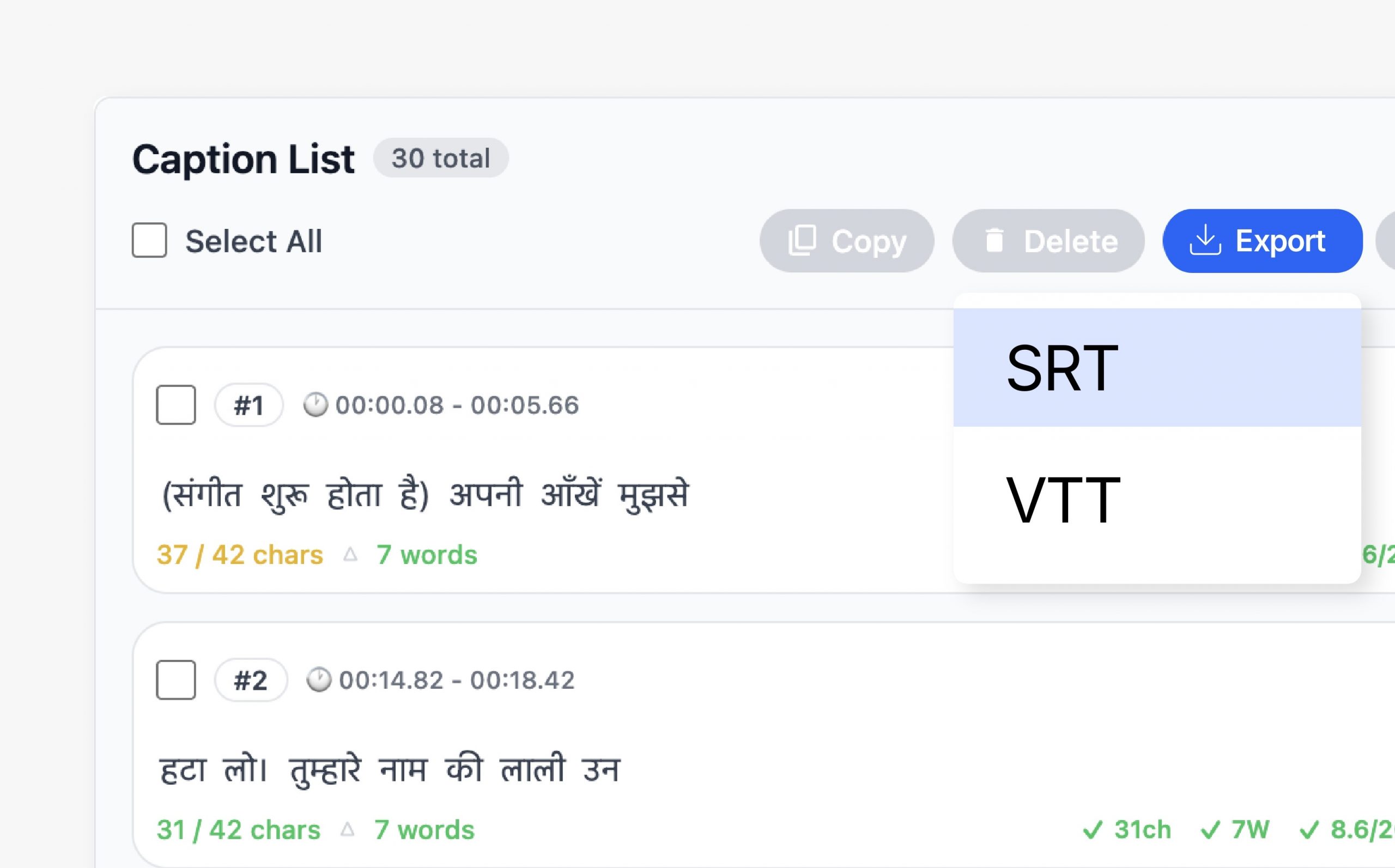
Export captions in formats that work across platforms and workflows. Choose between embedded captions or separate files depending on distribution needs.
- Burn captions into video
- Export SRT and VTT files
- Compatible with OTT and broadcast
Seamless Videograph Integration
Captions automatically stay in sync with edits, crops, and publishing workflows inside Videograph. No duplicate work or reprocessing required.
- Works with AI Clips and AI Editor
- Syncs with Smart Crop and Split Screen
- Integrated with publishing tools

Simple Process
How It Works
From horizontal to vertical in 3 simple steps. No manual editing required.

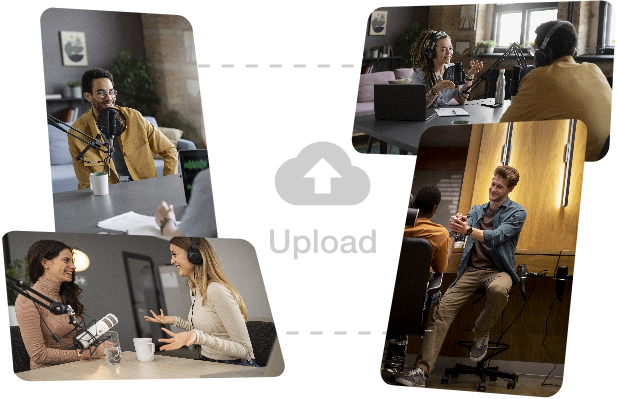
1. Upload or Select a Video
Choose a video from your library, AI clip output, or live recording.
Step 2: Generate Captions with AI
AI analyzes speech and generates accurate captions automatically.
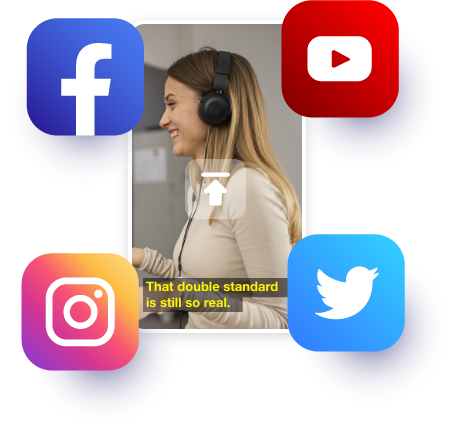
3. Edit & Publish
Refine captions, style them, and publish or export instantly.
Perfect For
Trusted by creators across every industry

Content Creators & Influencers
Boost engagement on Reels, Shorts, and TikTok with eye-catching captions.

News and Media
Ensure clarity and accessibility for breaking news, interviews, and debates.

Sports
Caption commentary, highlights, and post-match analysis instantly.

OTT and Boradcasters
Meet accessibility and compliance requirements with accurate captions.
Why Videograph vs manual editing
See how AI-powered automation compares to traditional manual editing tools.
| Capability | Videograph | CapCut | Descript | Premiere Pro / Final Cut |
|---|---|---|---|---|
| AI Speaker Detection | ||||
| Automatic Split-Screen Generation | ||||
| Dynamic Framing / Intelligent Reflow | ||||
| Portrait-First Output | ||||
| Workflow Integration | ||||
| Live & Recorded Support | ||||
| Ease of Use (AI-First) | ★★★★★ | ★★★☆☆ | ★★☆☆☆ | ★★☆☆☆ |
| Team & Enterprise Scale | ||||
| Publish Directly to Platforms |

Complete Suite
Part of Portrait Pro — 11 AI Features
AI video editor is one of 11 powerful AI features designed to transform your video workflow
Frequently Asked Questions
Can I edit captions after generation?
Yes. All captions are fully editable for text, timing, and style.
Do captions work for noisy or live content?
Yes. AI is optimized for live recordings, sports commentary, and newsroom audio.
Can I export captions only?
Yes. Captions can be exported as SRT or VTT files without video.
Are captions platform-specific?
Yes. Captions can be optimized for social, OTT, and broadcast formats.
Edit Smarter. Publish Faster. Scale Effortlessly.
Experience the future of AI-powered video editing with Videograph.